

vaultbase.email
VaultbaseYour company's office.
Locked down.
Files, photos, mail, documents, PDFs and your whole team in one signed-in vault, with Mirra, the virtual assistant, in every app.
Secure · Future · Together
Take the tour
Everything the office needs
Pick an app to see it. Click any screen to see it bigger.
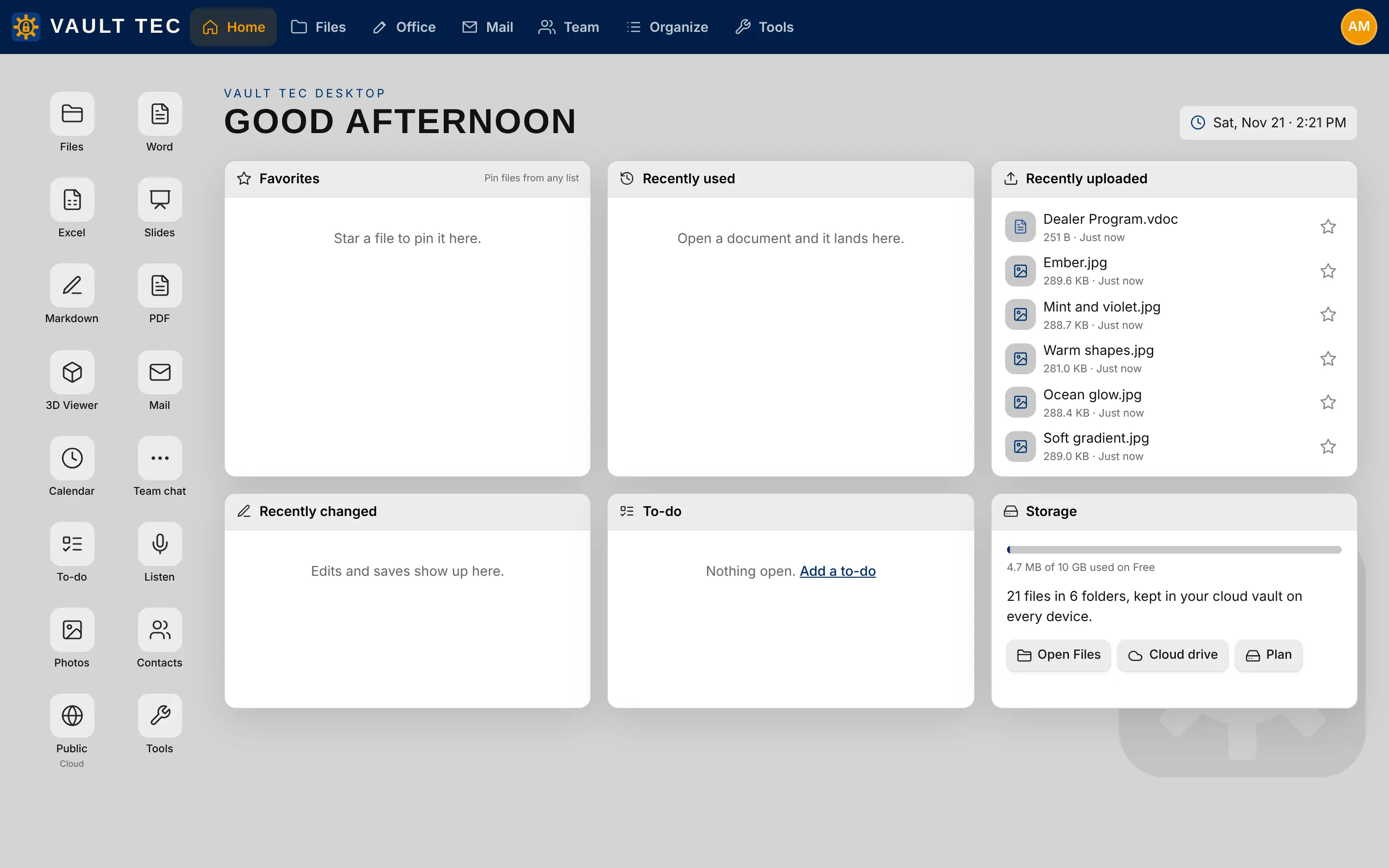
The desktop
- Every app one click away, with favorites, recent files and your to-dos.
- Drop whole folders in and the same folders are made in your vault.
- Your files are kept in your cloud vault and show up on every device you sign in on.
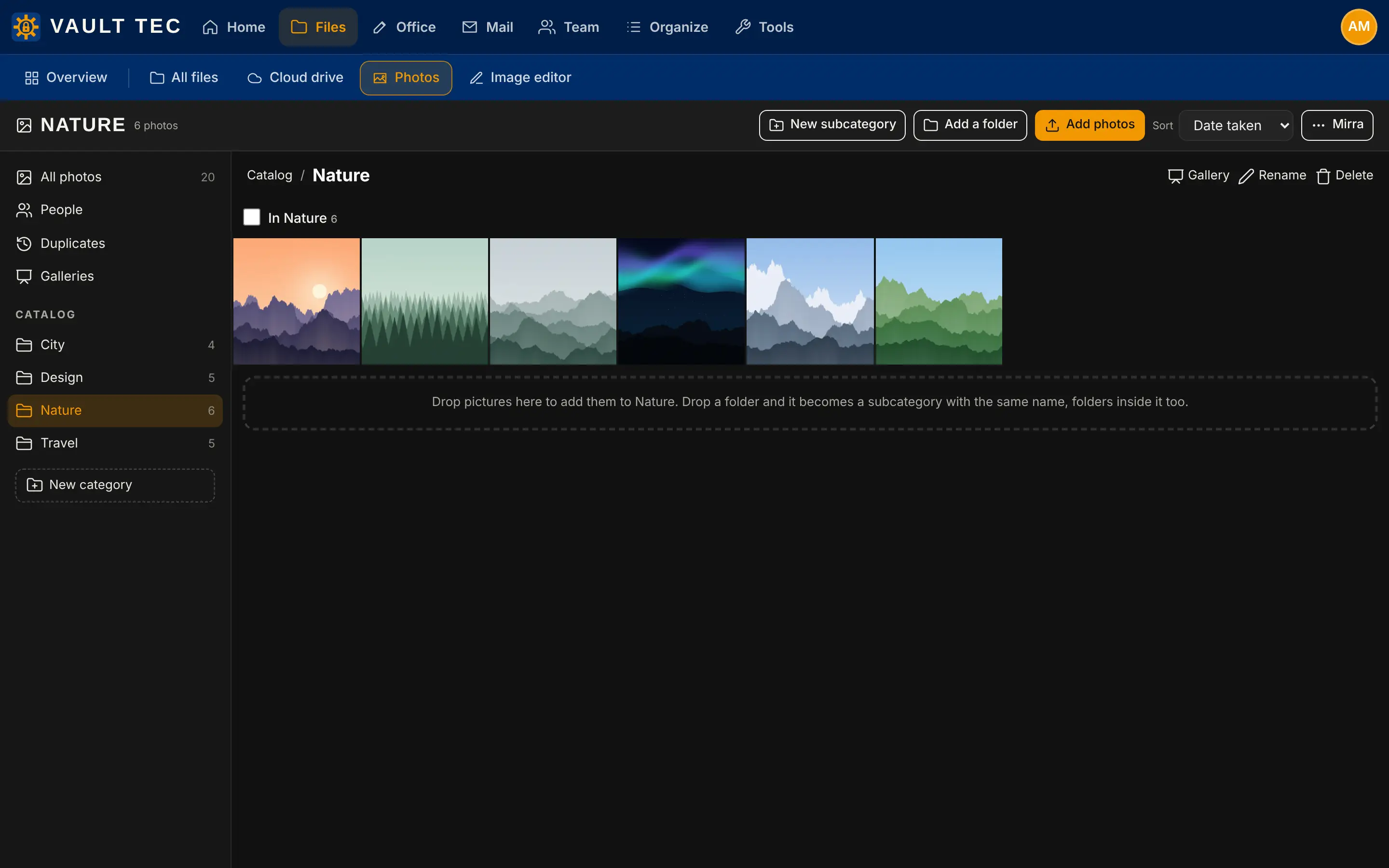
Photos
- A catalog of main categories and subcategories you make. Drop a folder and it becomes a category with the same name.
- Tick one picture and every picture after it is one click to add. Tick a whole month at once.
- Move, download, email, edit or delete everything you picked in one go.
- People (faces found on your device), duplicates and galleries with music.
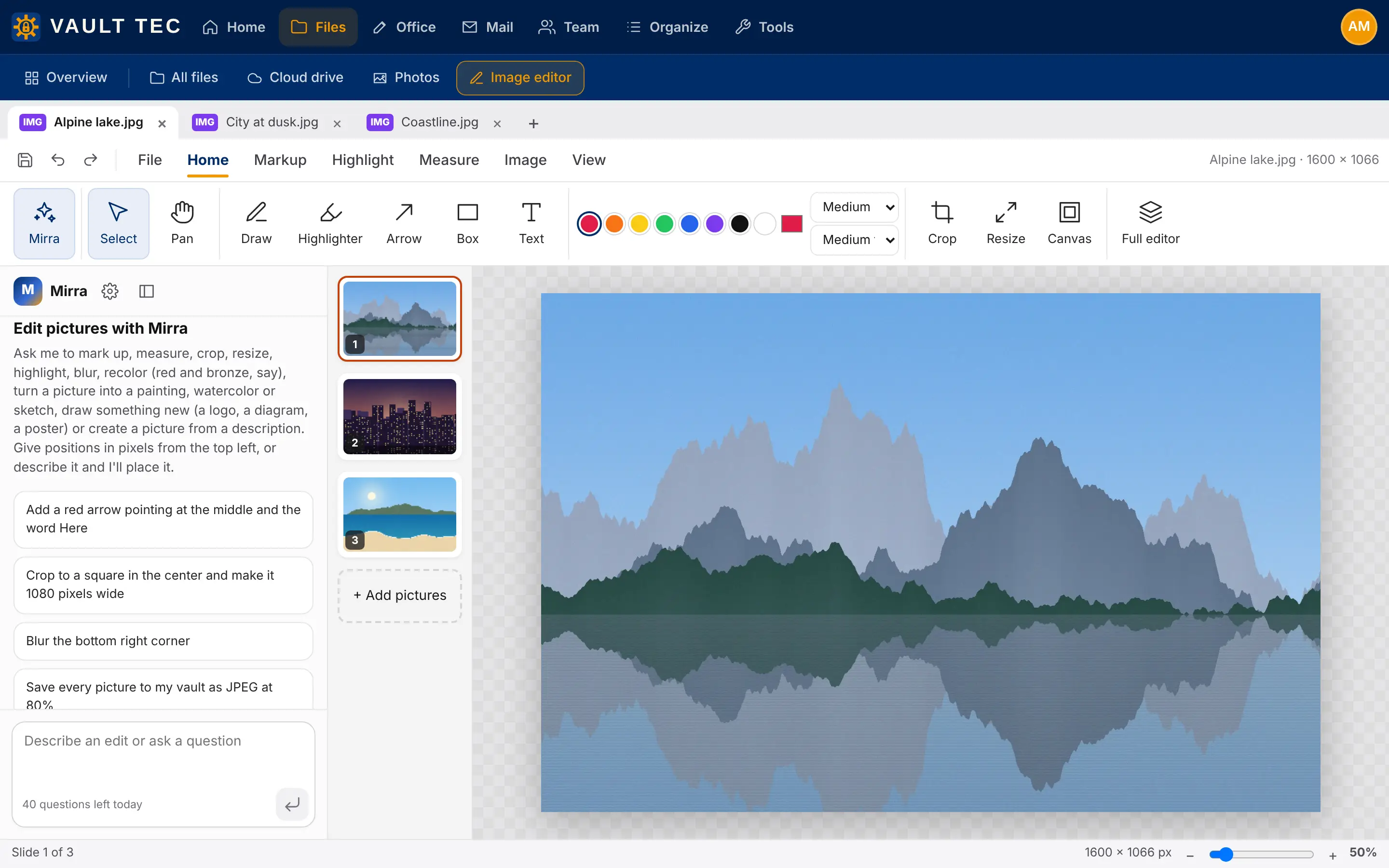
Image editor
- Markup, arrows, measurements, symbols, highlights, crop, resize and canvas size.
- Open many pictures at once; each is its own slide.
- Effects: oil painting, watercolor, sketch, vintage, noir and recolor in any colors.
- Ask Mirra to draw something new or make a picture from a description.
- A full, layer-based editor one click away for the big jobs.
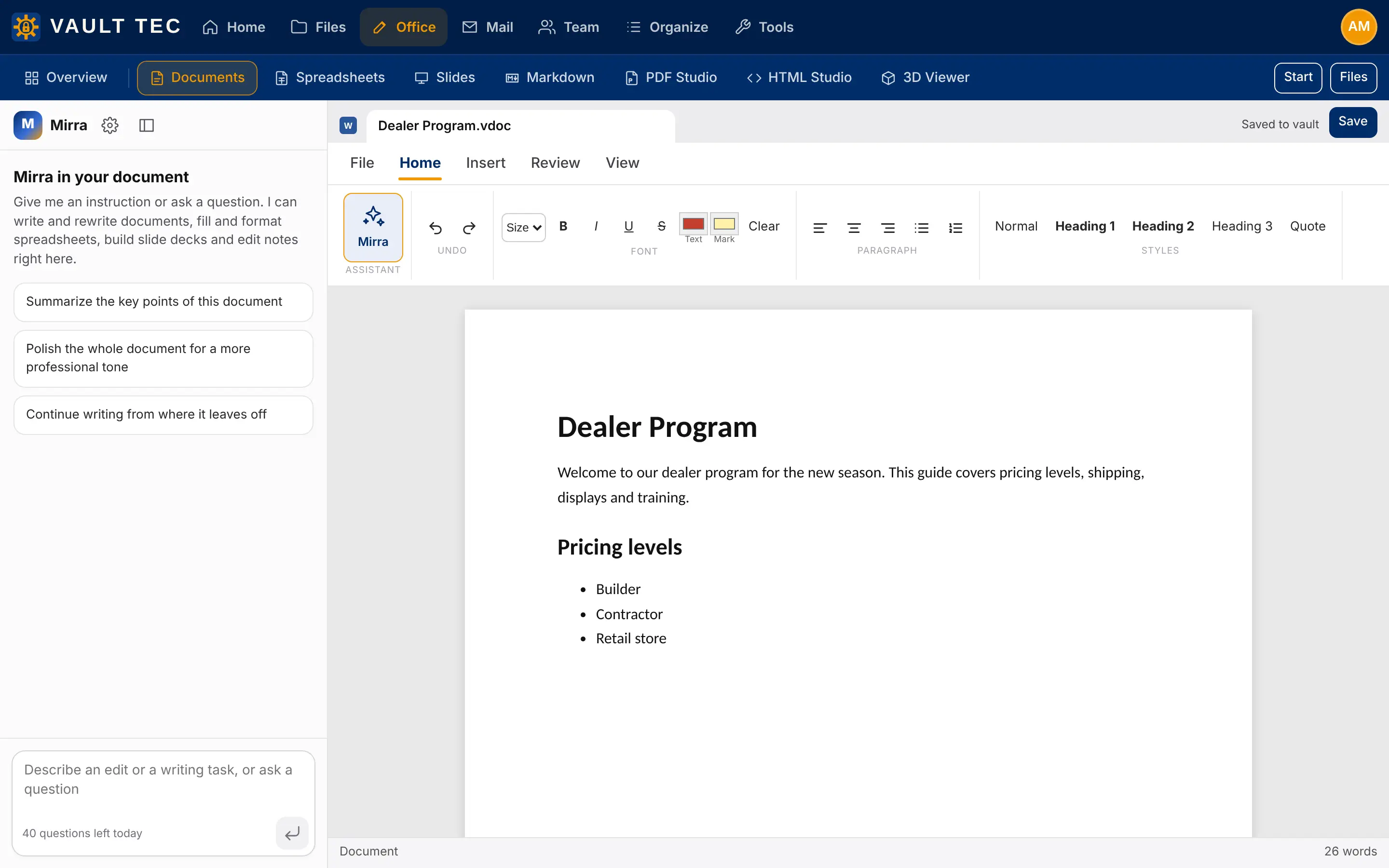
Documents, spreadsheets and slides
- Every tool on a ribbon at the top, like the office apps you know.
- Word, Excel and PowerPoint files open as editable copies.
- Mirra writes, rewrites, builds tables and fills in formulas for you.
PDF Studio
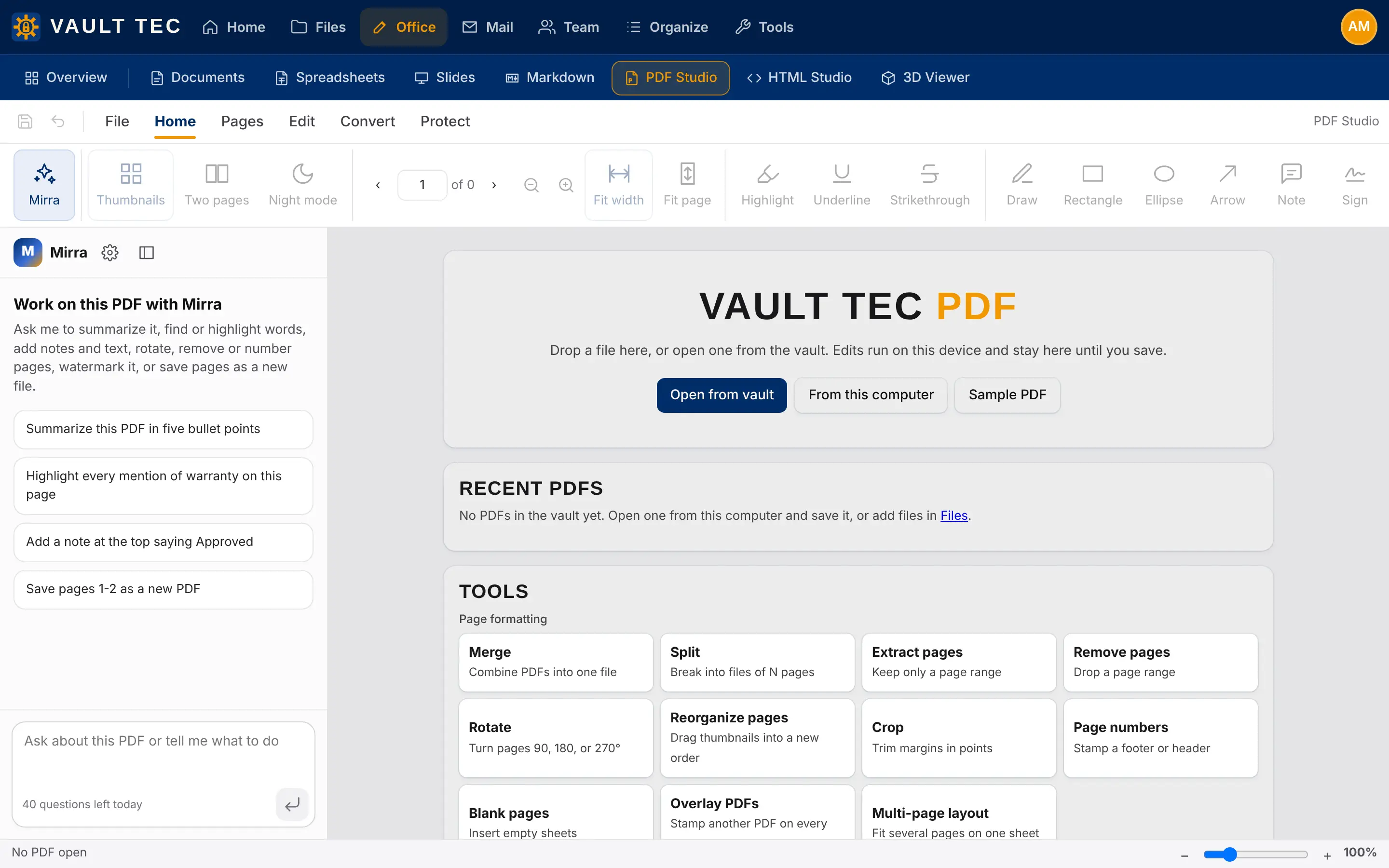
- Merge, split, reorder, rotate, crop and number pages.
- Highlight, underline, draw, add notes and sign.
- Redact and lock with a password.
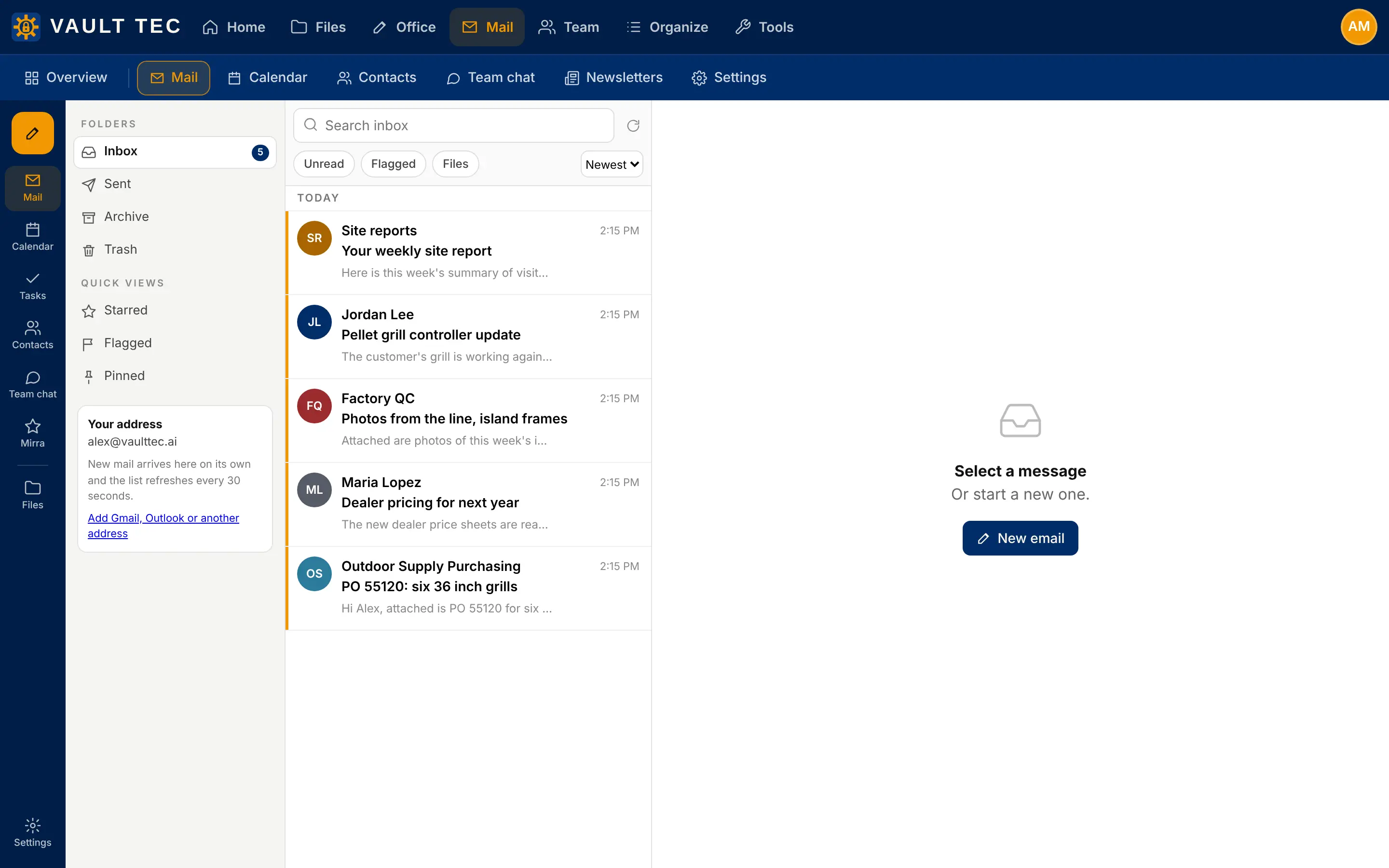
- Your own vaultbase.email address, plus Gmail, Outlook and any IMAP account in the same place.
- Calendar, contacts, tasks and team chat built in.
- Open every picture in an email in the image editor, as slides.
- Newsletters designed in HTML Studio for your email lists.
Team
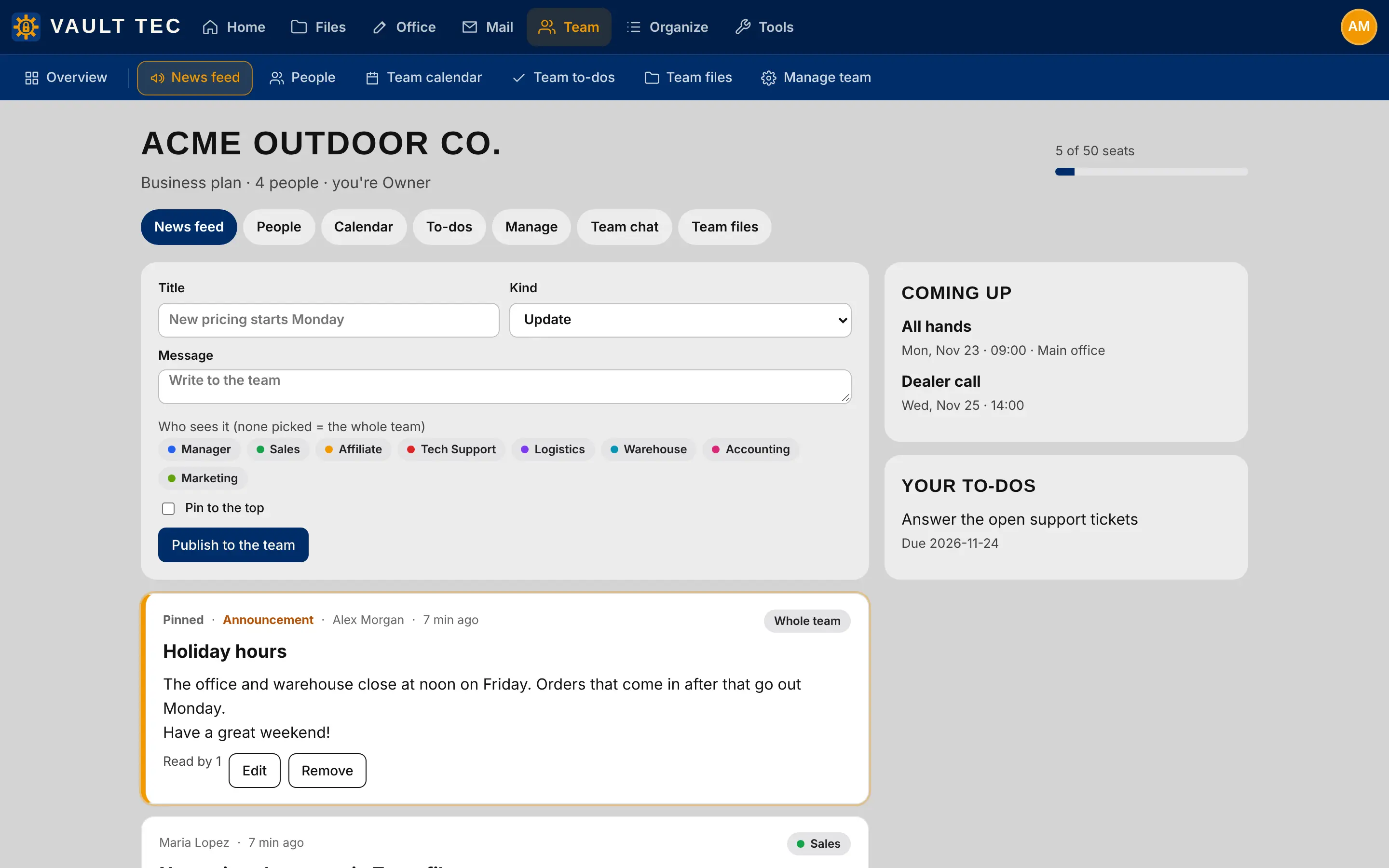
- A news feed for updates and announcements from your team leaders.
- People by group: Manager, Sales, Affiliate, Tech Support, Logistics, Warehouse and your own.
- A shared calendar, to-dos handed to people or groups, and team chat channels.
- Leaders invite people and set up their email address in one step.
Cloud drive
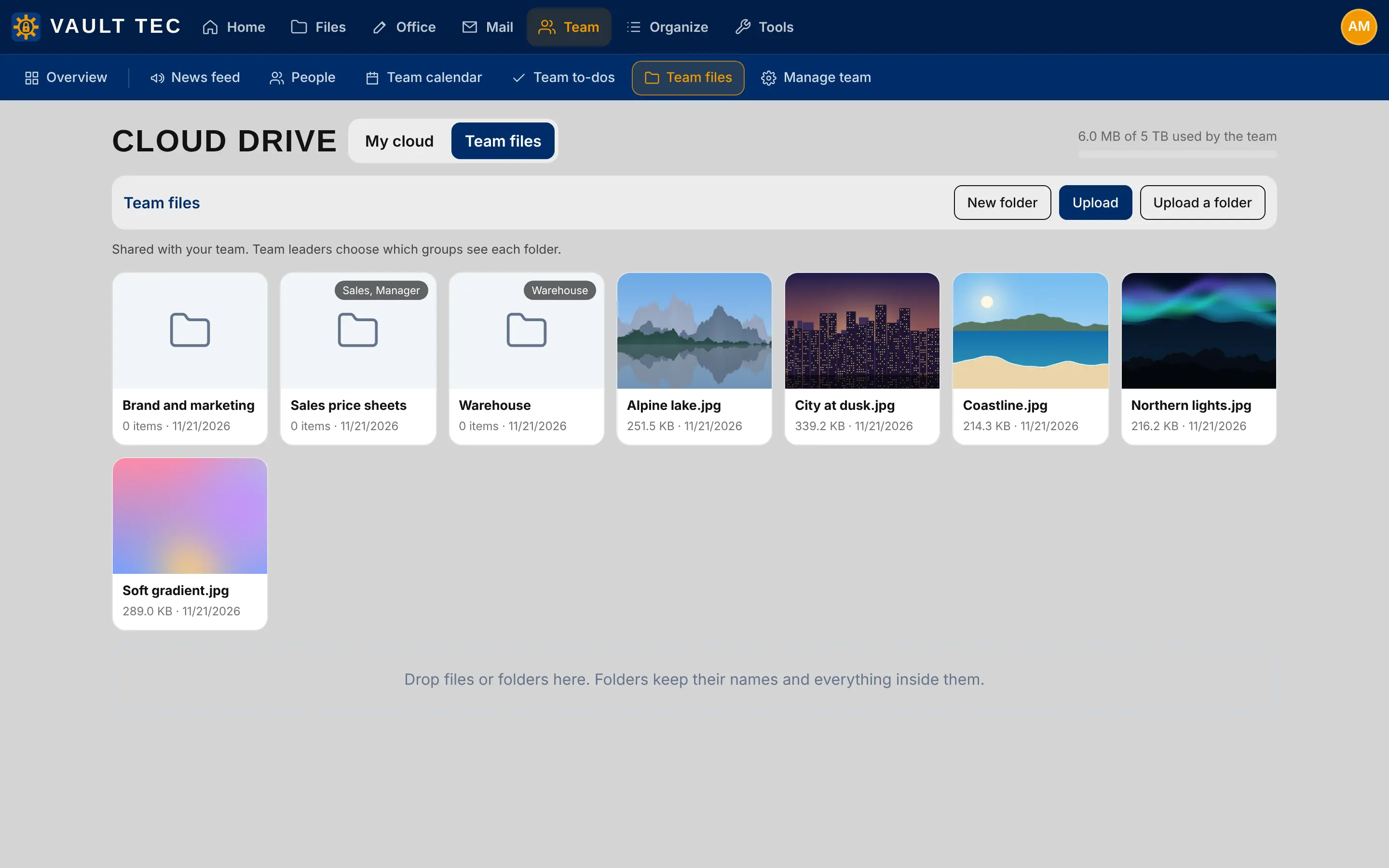
- My cloud: your own files, on every device.
- Team files: shared folders, each one for the whole team or chosen groups.
- Storage that grows with your plan, up to 5 TB.
Mirra
A virtual assistant in every app
Ask in plain words. Mirra works inside the app you have open and asks before anything important.
- Drafts replies, files and flags mail, adds events and tasks.
- Sorts photos into categories, finds duplicates and makes galleries with music.
- Recolors pictures, turns them into paintings, draws logos and diagrams, or makes a new picture from a description.
- Writes documents, builds spreadsheets and sums up long PDFs.
- You decide what Mirra may do: off, ask first, or on its own, for each kind of job.
Company teams
An office network for your whole company
The team admin sees everyone. Team leaders invite their people, set up their email and share the calendar, to-dos and files with their groups. Pick a group to see who's in it.
Make it yours
Your picture, your theme
The account icon at the top right of every app holds your plan, storage, settings, your team and your theme. Add your picture or pick the color behind your initials. Try a theme:
Theme: Vault
Plans
Start free. Grow into a team.
Questions
Good to know
Do I need an account?
Yes. Every app opens after you sign in, so your files, mail and team stay private. A free account takes a minute.
Who can see my files?
Only you. Files in Team files are seen by your team, and a team leader can share a folder with only some groups.
Can I use my own email?
Yes. You get a vaultbase.email address, and you can add Gmail, Outlook and any other IMAP account in Mail settings.
What is Mirra?
Mirra is the virtual assistant built into every Vaultbase app. You choose what Mirra may do for you, and you can change it any time.
How do teams work?
On Pro or Business, the person who subscribes makes the team and becomes its admin. They invite team leaders, and leaders invite their people into groups like Sales or Warehouse.
Open your vault
Sign in to your files, mail and team, or create a free account.