The apps
Twenty apps.
One sign-in.
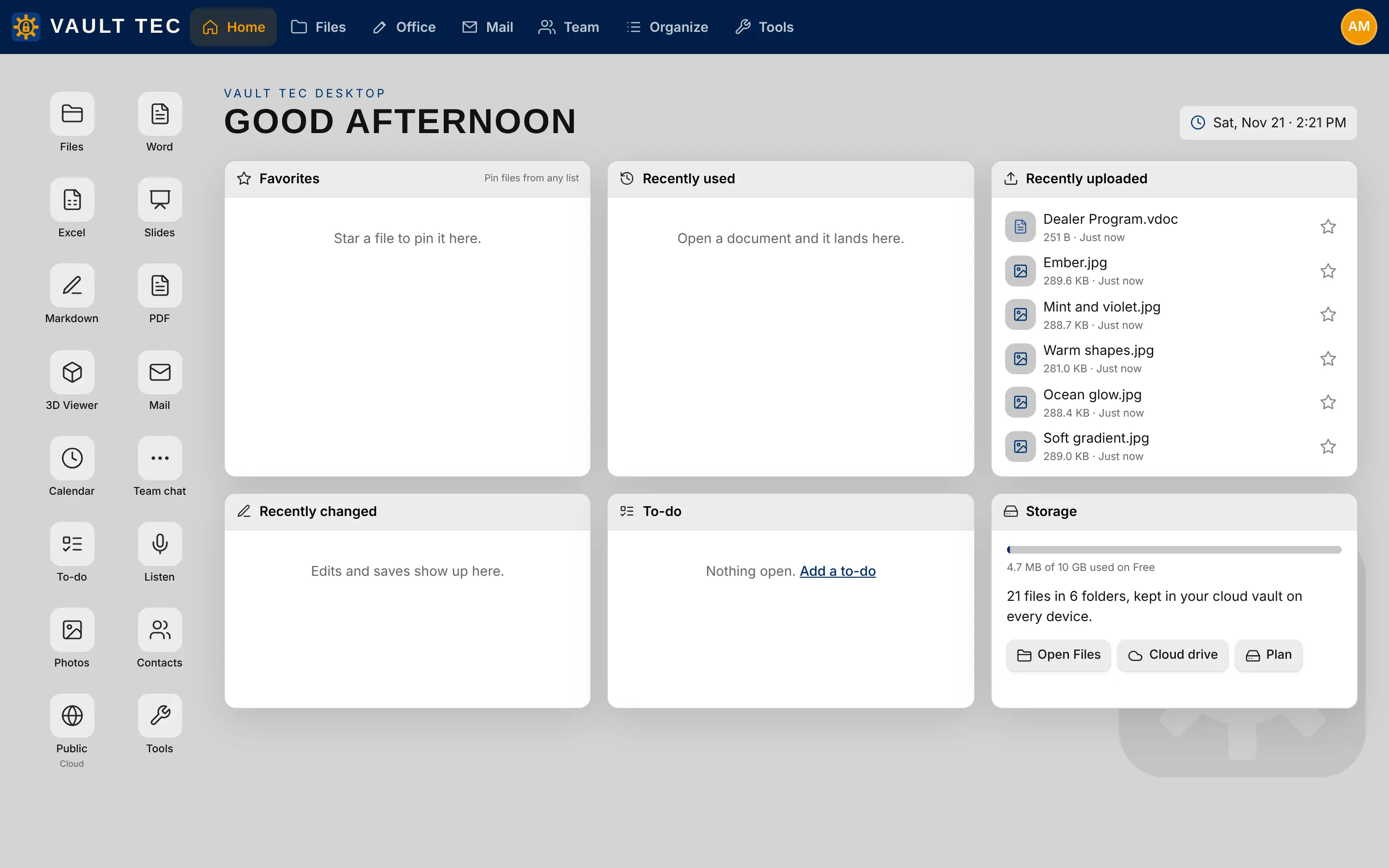
Everything opens from the same bar at the top, with your account icon on the right and Mirra, the virtual assistant, one click away in every app.
Desktop and files
Your whole vault at a glance
- Favorites, recent files, new uploads, to-dos and storage on one screen.
- Upload files or whole folders; drop a folder and the same folders are made.
- Preview pictures, PDFs, video, audio, documents and 3D models.
- Star, move, rename and download many at once.
Photos
A photo library you organize your way
- Catalog folders: main categories and subcategories you name.
- Drop a folder of pictures and it becomes a category with the same name.
- Tick one picture, then every picture after it is a click to add. Tick a whole month at once.
- Move, add to a category, edit, email, download or delete what you picked.
- People, Duplicates and Galleries with music.
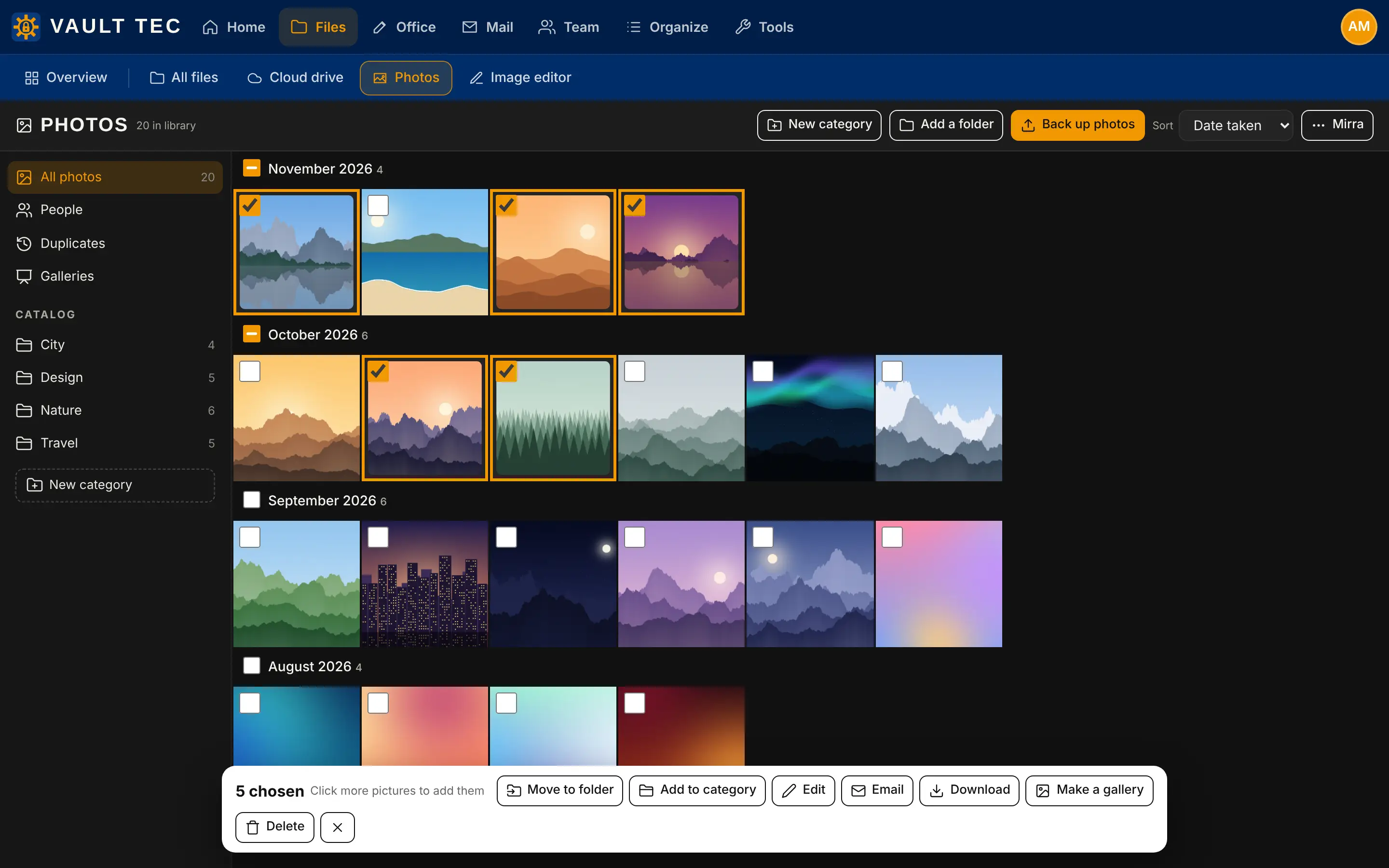
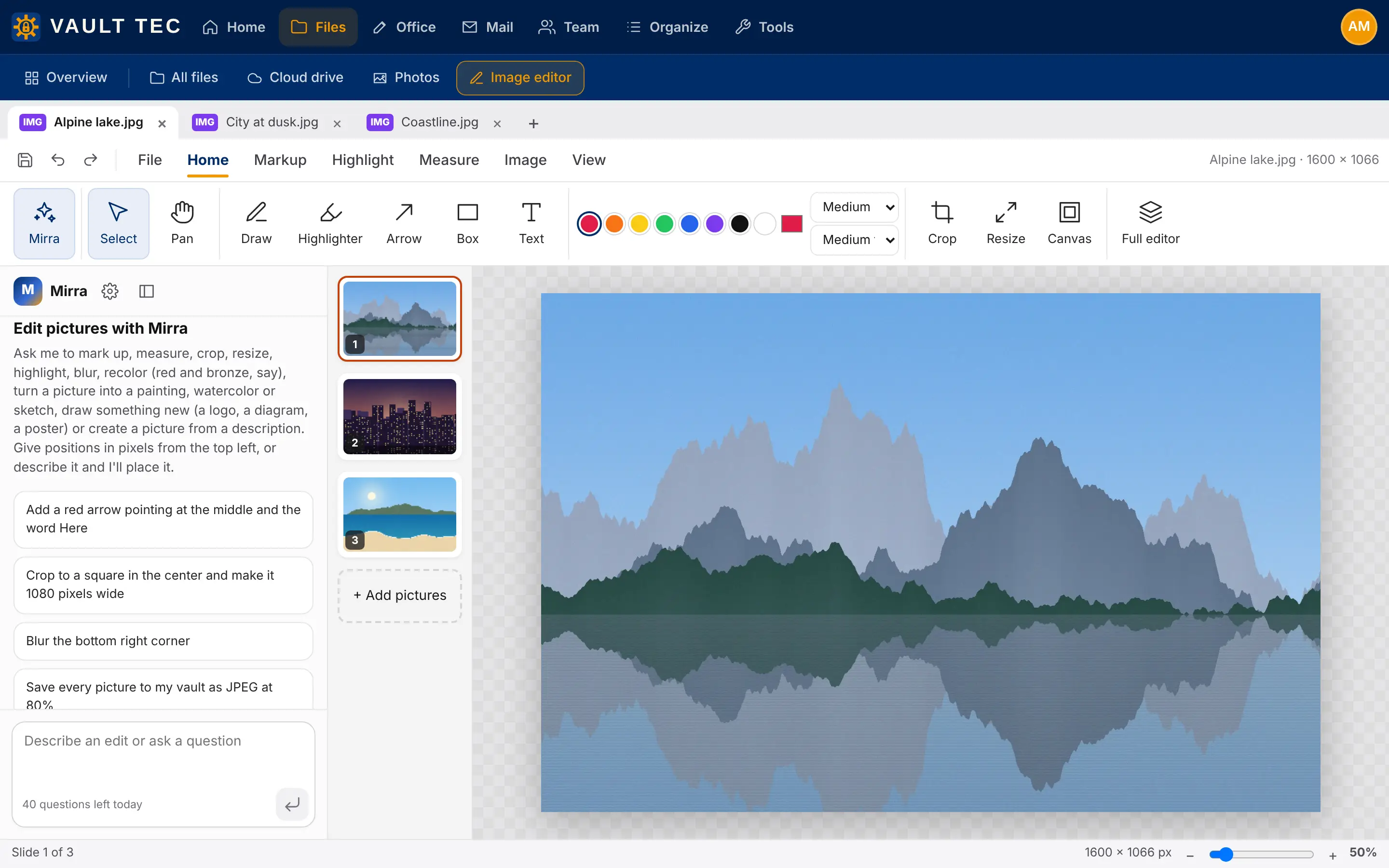
Image editor
Quick markup to full editing
- Draw, highlight, arrows, boxes, text, symbols and measurements.
- Crop, resize, rotate, change the canvas and save at any size and quality.
- Effects: painting, watercolor, sketch, vintage, noir, pop art and recolor.
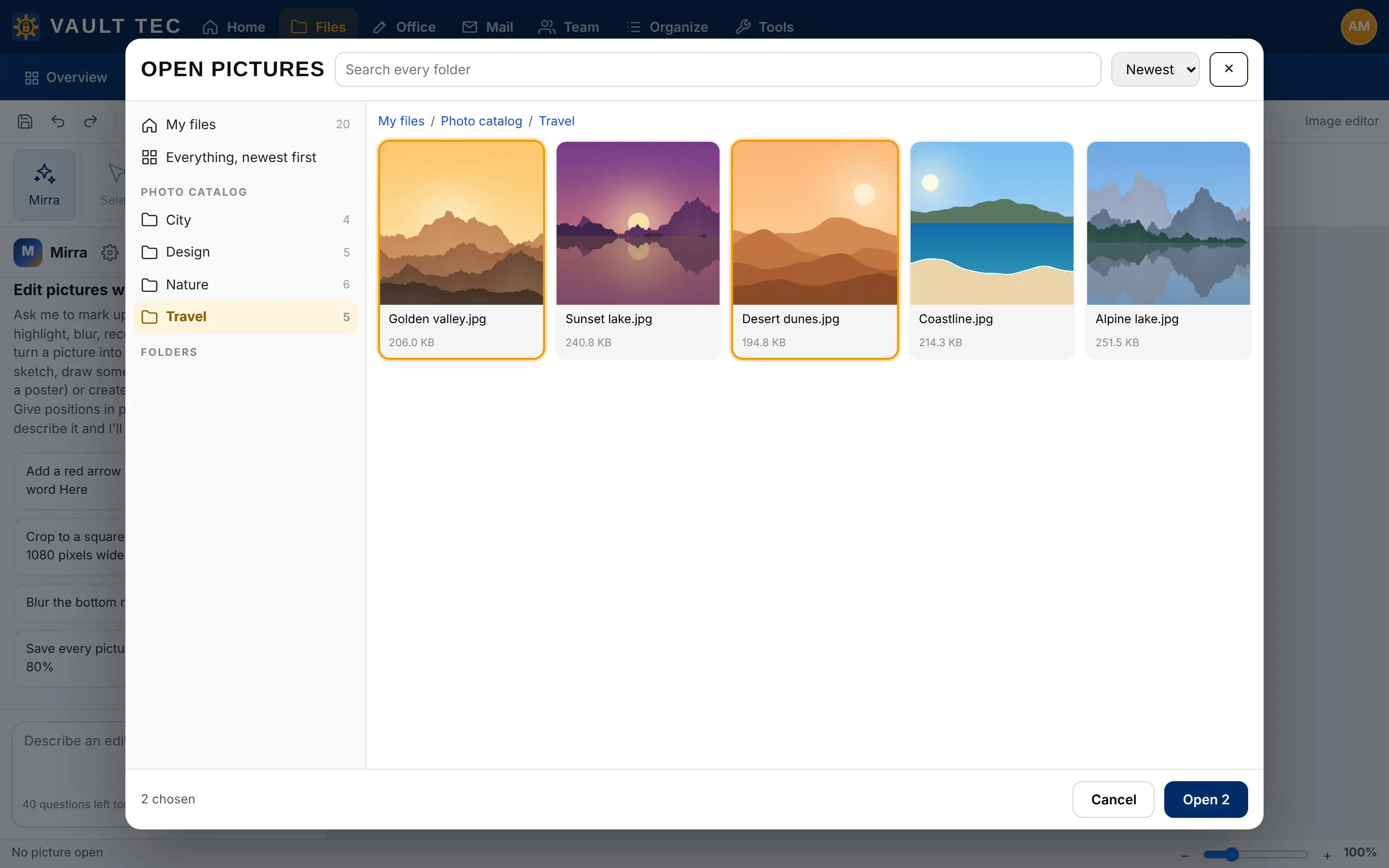
- Open many pictures at once, each one a slide, straight from your catalog.
- Mirra draws logos and diagrams or makes a picture from your words.
Office
Documents, spreadsheets, slides and notes
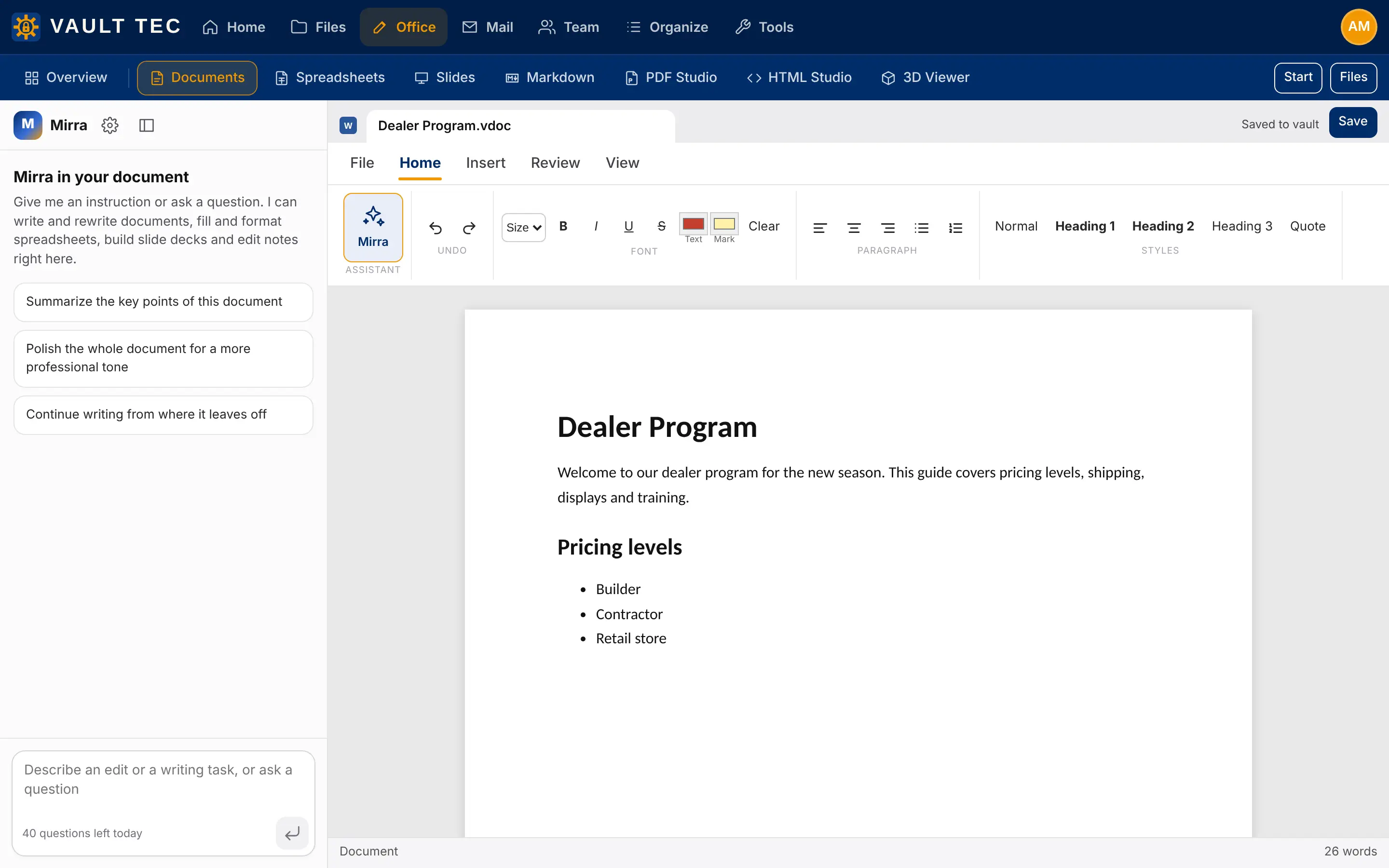
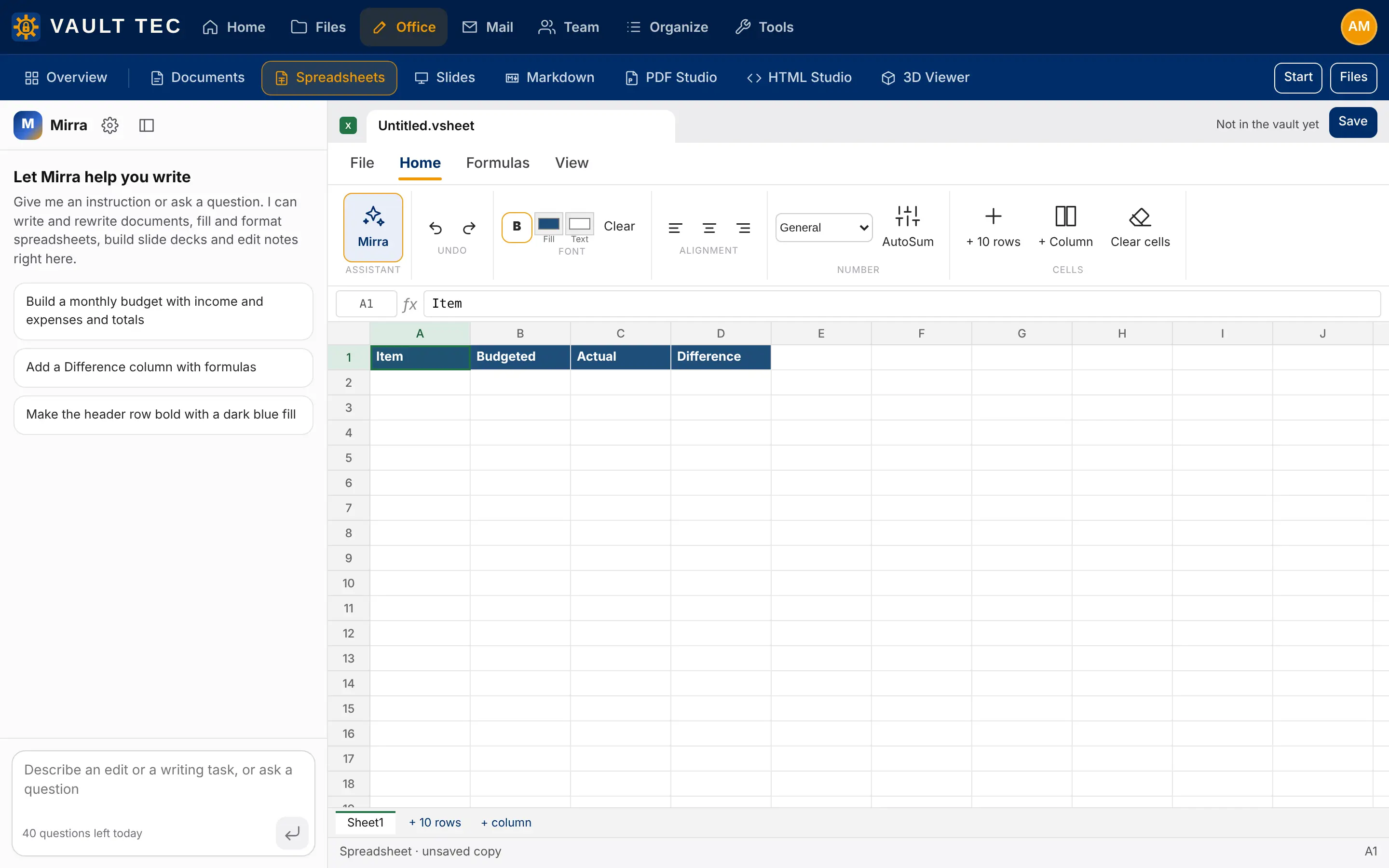
- Every tool on a ribbon at the top, with File, Home, Insert and more.
- Opens Word, Excel, PowerPoint and CSV files as editable copies.
- Formulas in spreadsheets, themes in slides, live preview in Markdown.
- Mirra writes, rewrites, summarizes and builds tables.
PDF Studio
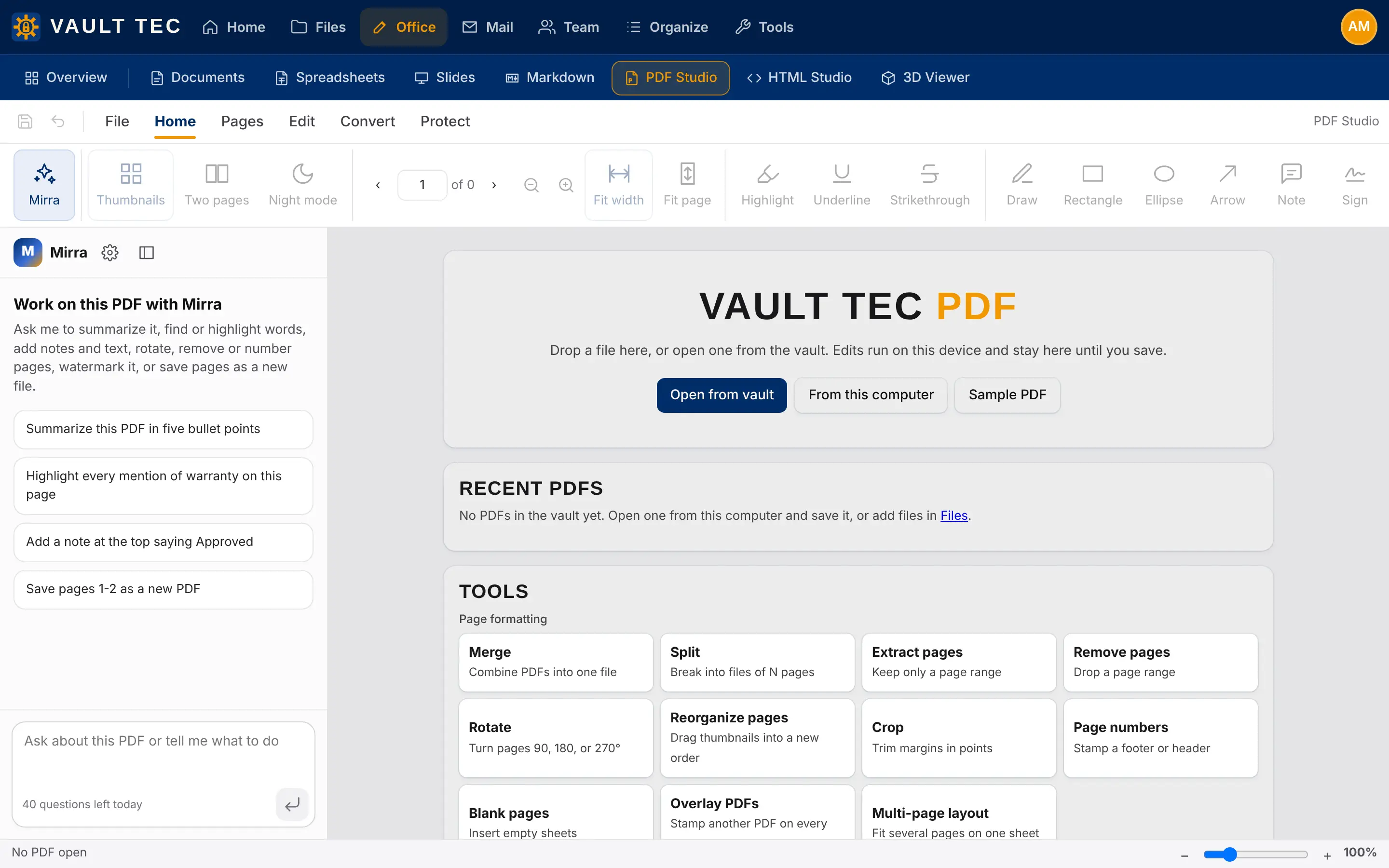
Every PDF job, on one ribbon
- Merge, split, extract, reorder, rotate, crop and number pages.
- Highlight, underline, strike through, draw, add notes and sign.
- Redact what shouldn't be seen and lock files with a password.
- Two pages side by side, fit to page and night mode.
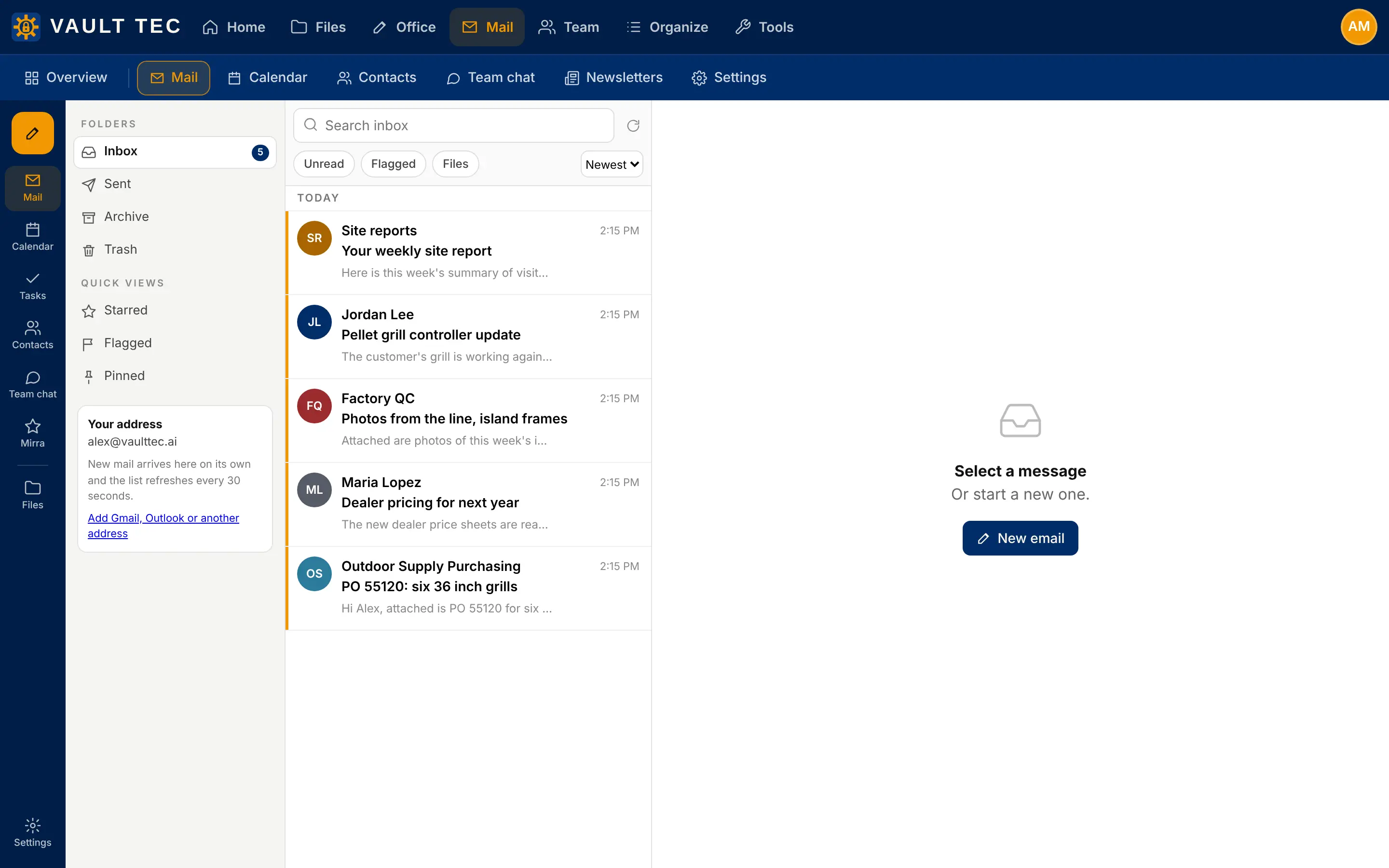
Every email account, one inbox
- Your own vaultbase.email address, plus Gmail, Outlook and any IMAP account.
- Calendar, contacts, synced tasks and team chat in the same app.
- Attachments save to your vault; pictures open in the image editor as slides.
- Newsletters for your email lists, designed in HTML Studio.
Team
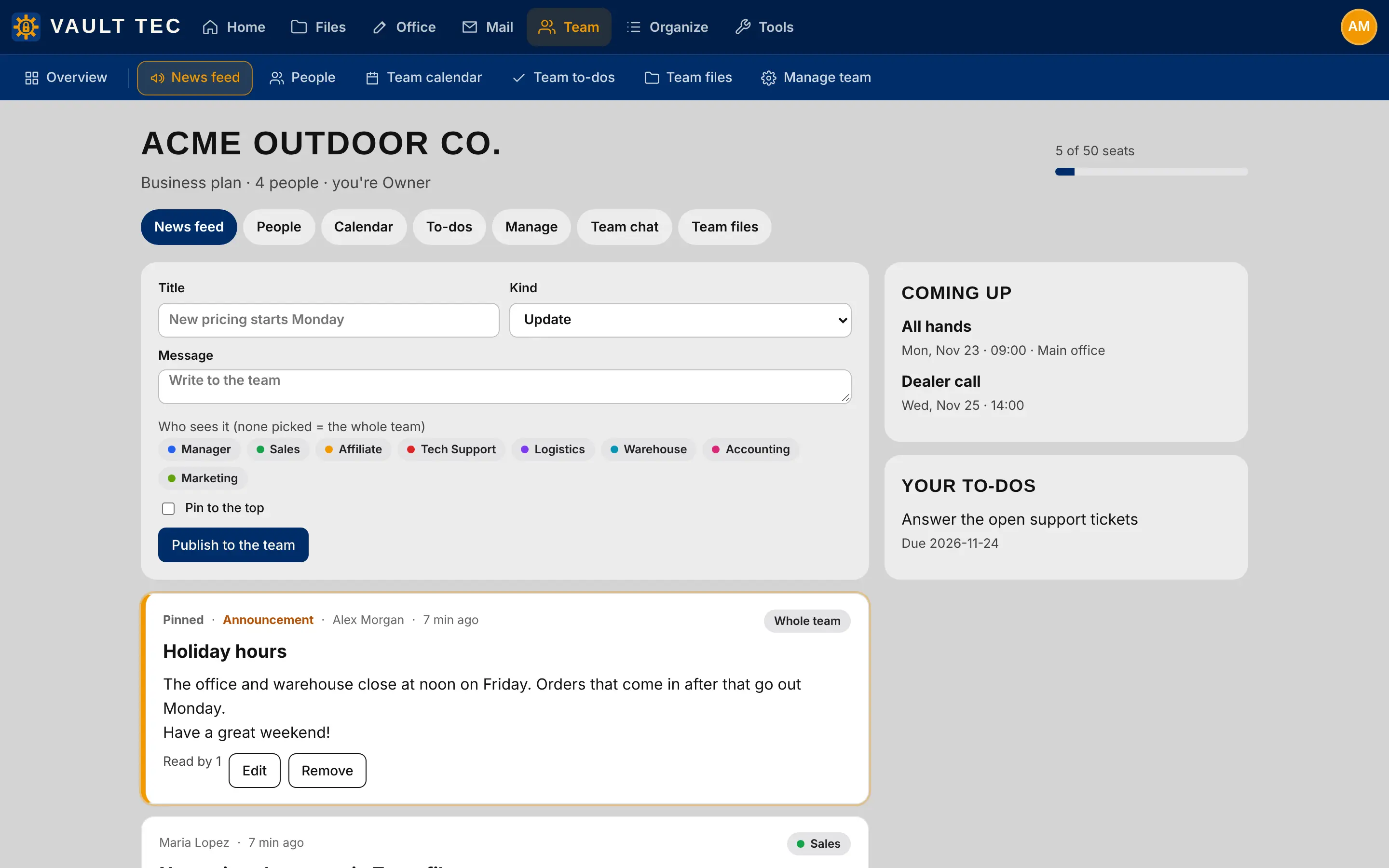
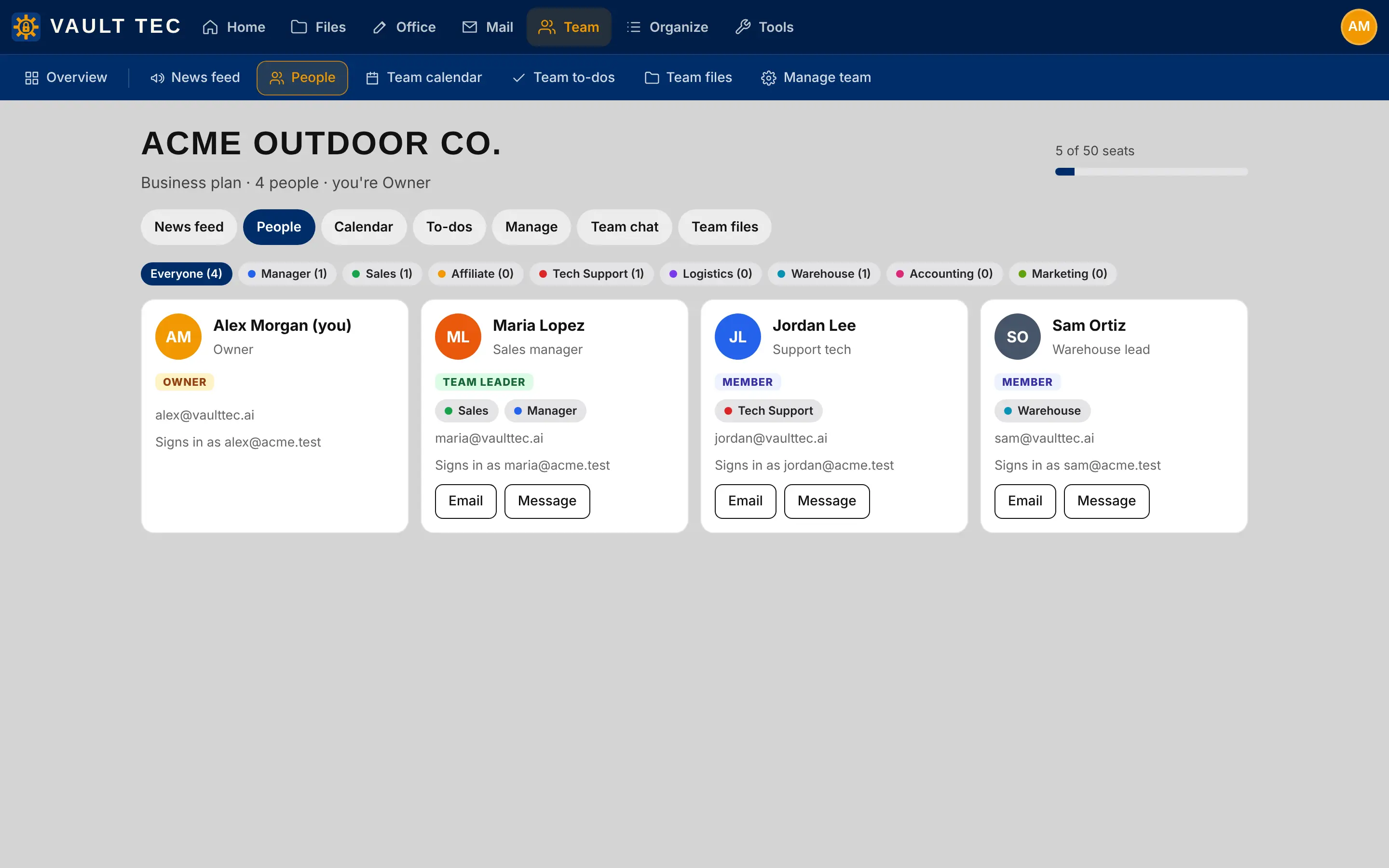
Your company's own network
- A news feed for updates and announcements, with read counts.
- People by group, with roles, job titles and their vault email.
- A team calendar and to-dos handed to a person or a group.
- Invites, roles, groups and email addresses managed in one place.
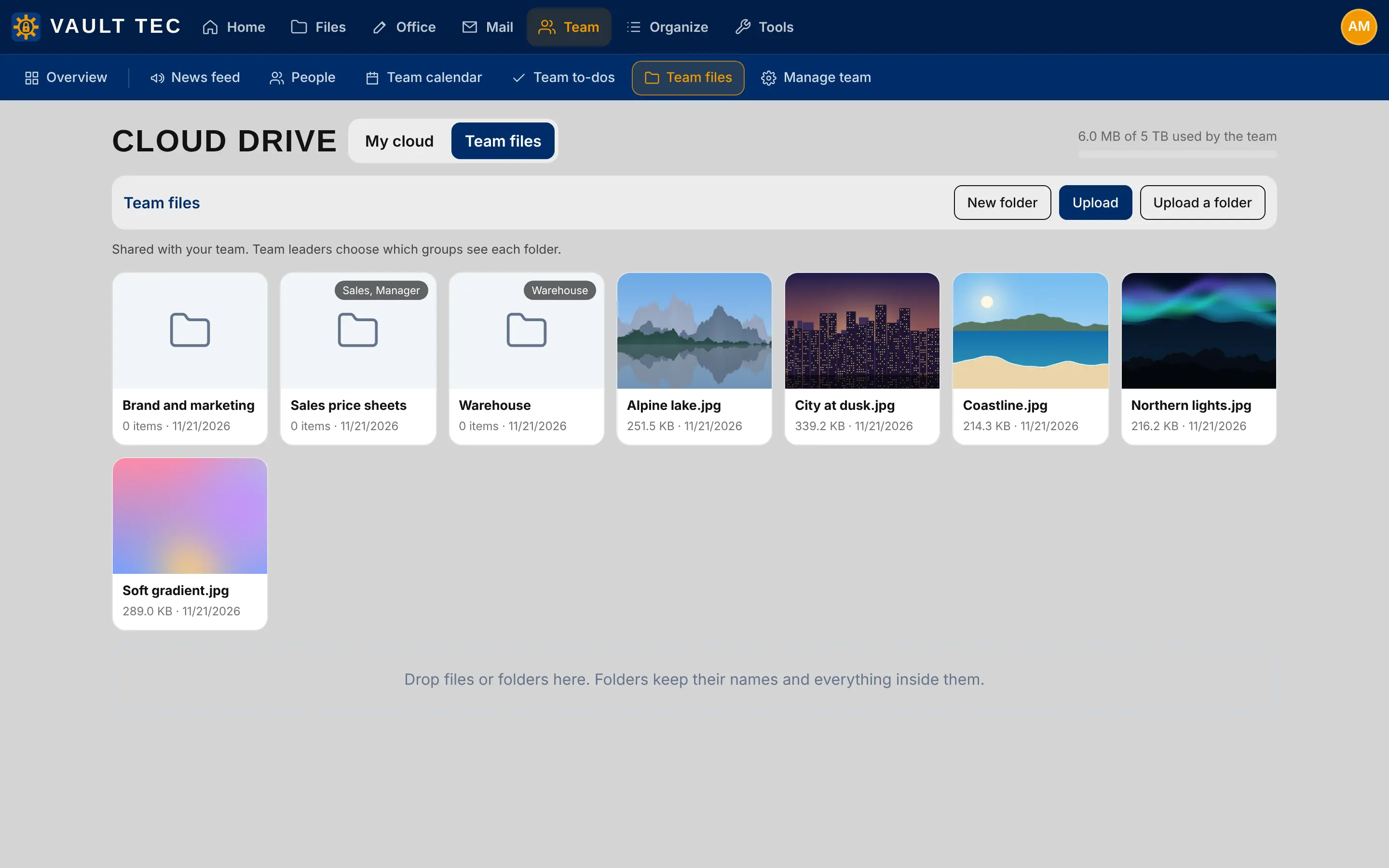
Cloud drive
The same files on every device
- My cloud keeps your vault files in the cloud and in step on every device you sign in on.
- Team files are shared folders; leaders choose which groups see each one.
- Upload files or whole folders; storage grows with your plan.