Cloud sync
The same vault on every device
Your files are kept in your cloud vault. Sign in on another computer, a tablet or your phone and everything is there, in the same folders. On your computers, the Vaultbase desktop app keeps a Vaultbase folder in step, like Dropbox.
How it works
Signed in everywhere
Signed in, synced
Add or change a file on one device and it reaches your others in the background, usually within a minute or two.
Cloud drive
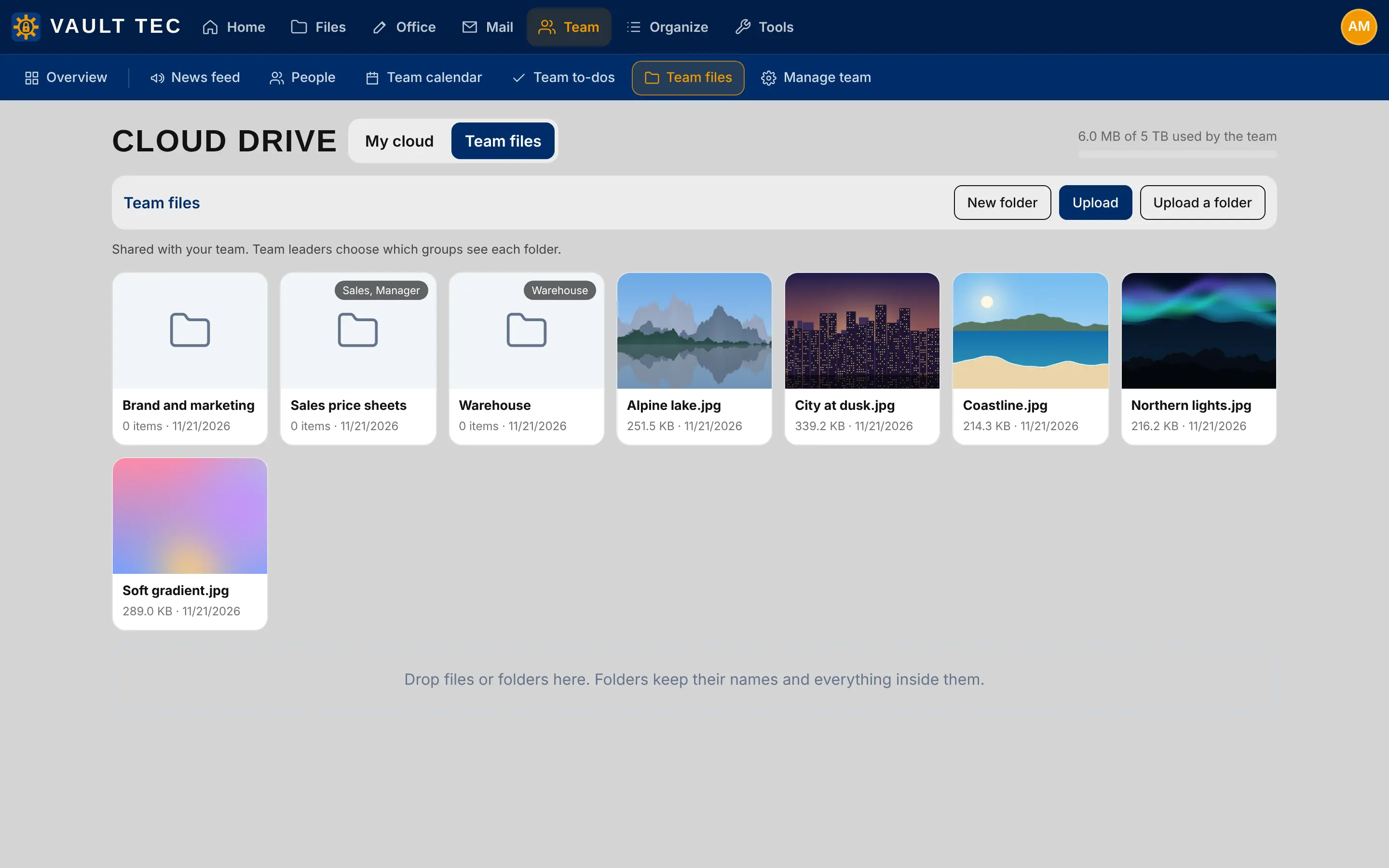
Open Cloud drive to see what's in the cloud, upload whole folders and share folders with your team.
Your choice
Turn cloud sync off for a device under Account, Settings if you'd rather keep its files there.
Questions
Good to know
Is there a desktop app?
Yes. The Vaultbase desktop app for Windows, Mac and Linux has sync built in. It adds a Vaultbase folder to your computer, with its own place in File Explorer on Windows like Dropbox, and keeps it in step with your vault both ways. Choose per file or folder what stays on the computer and what stays online only. Get it on the Desktop app page (vaultbase.email/desktop).
Are big files supported?
Yes. The desktop app uploads big files in parts, so large files sync between your computers too.
Does it work on a phone?
Yes. Open vaultbase.email in your phone's browser and sign in.
How much room do I get?
10 GB on Free, 100 GB on Personal, 1 TB on Pro and 5 TB on Business.