Vaultbase apps · Desktop app
Your whole office in one desktop app
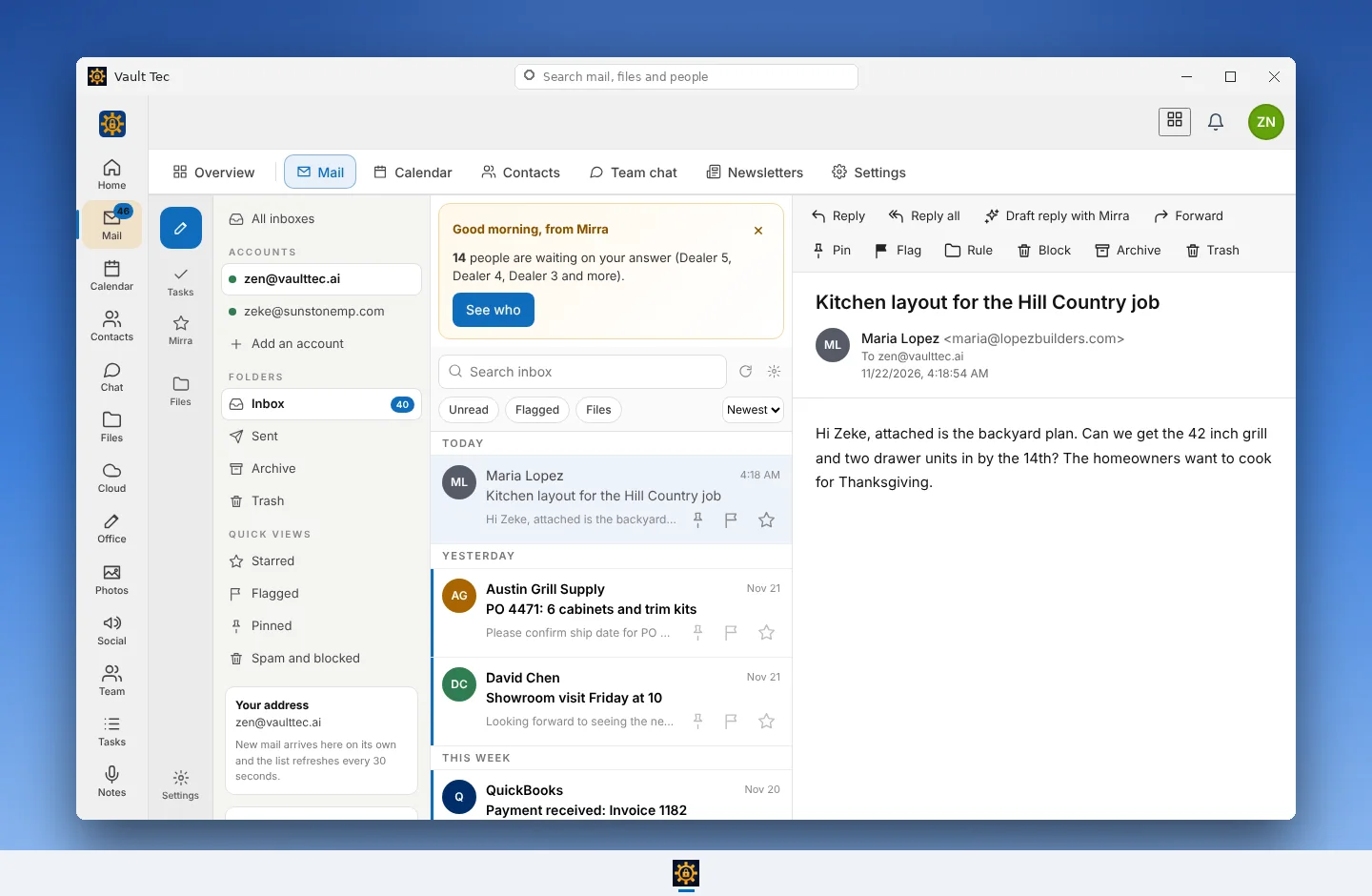
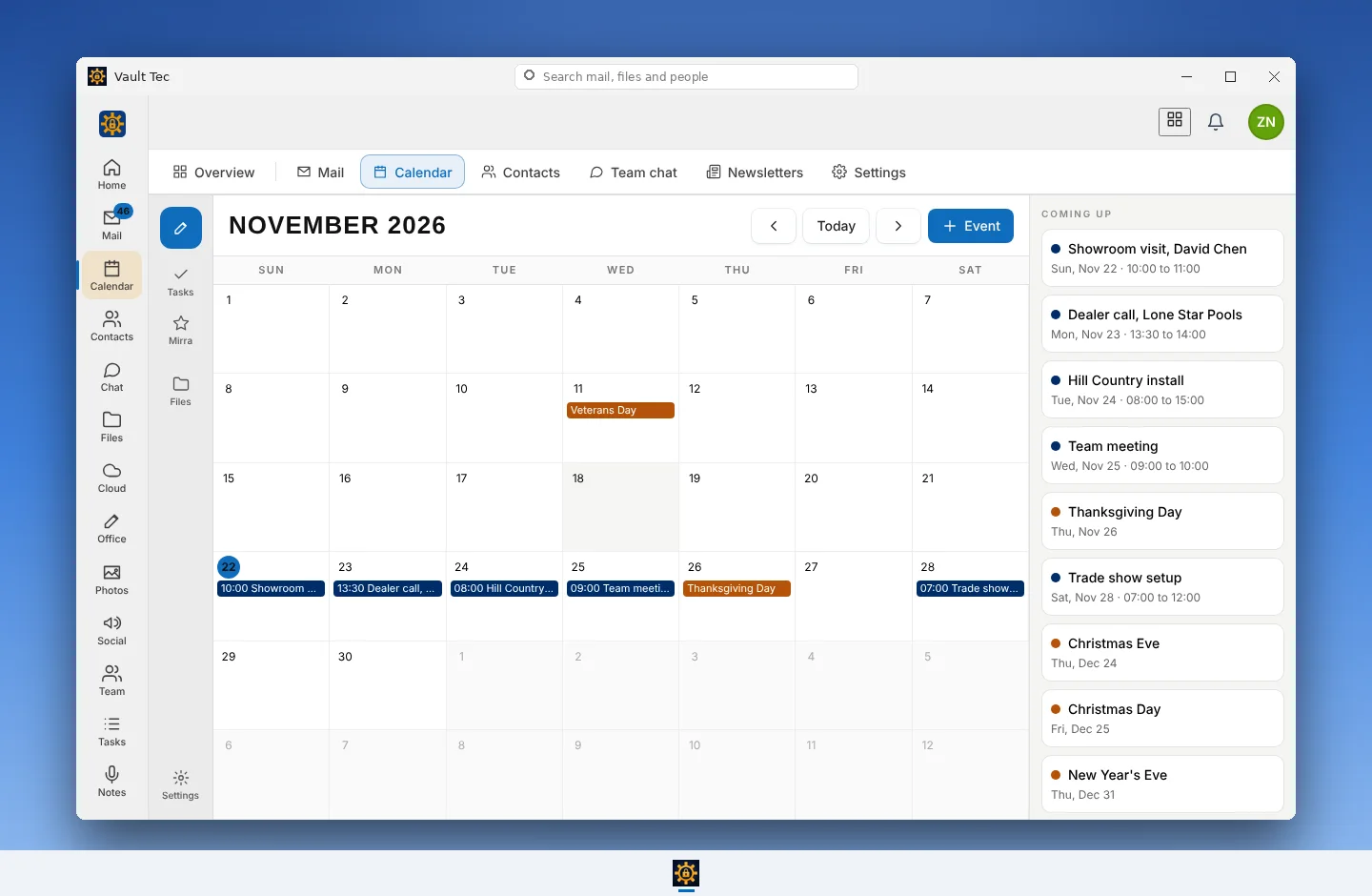
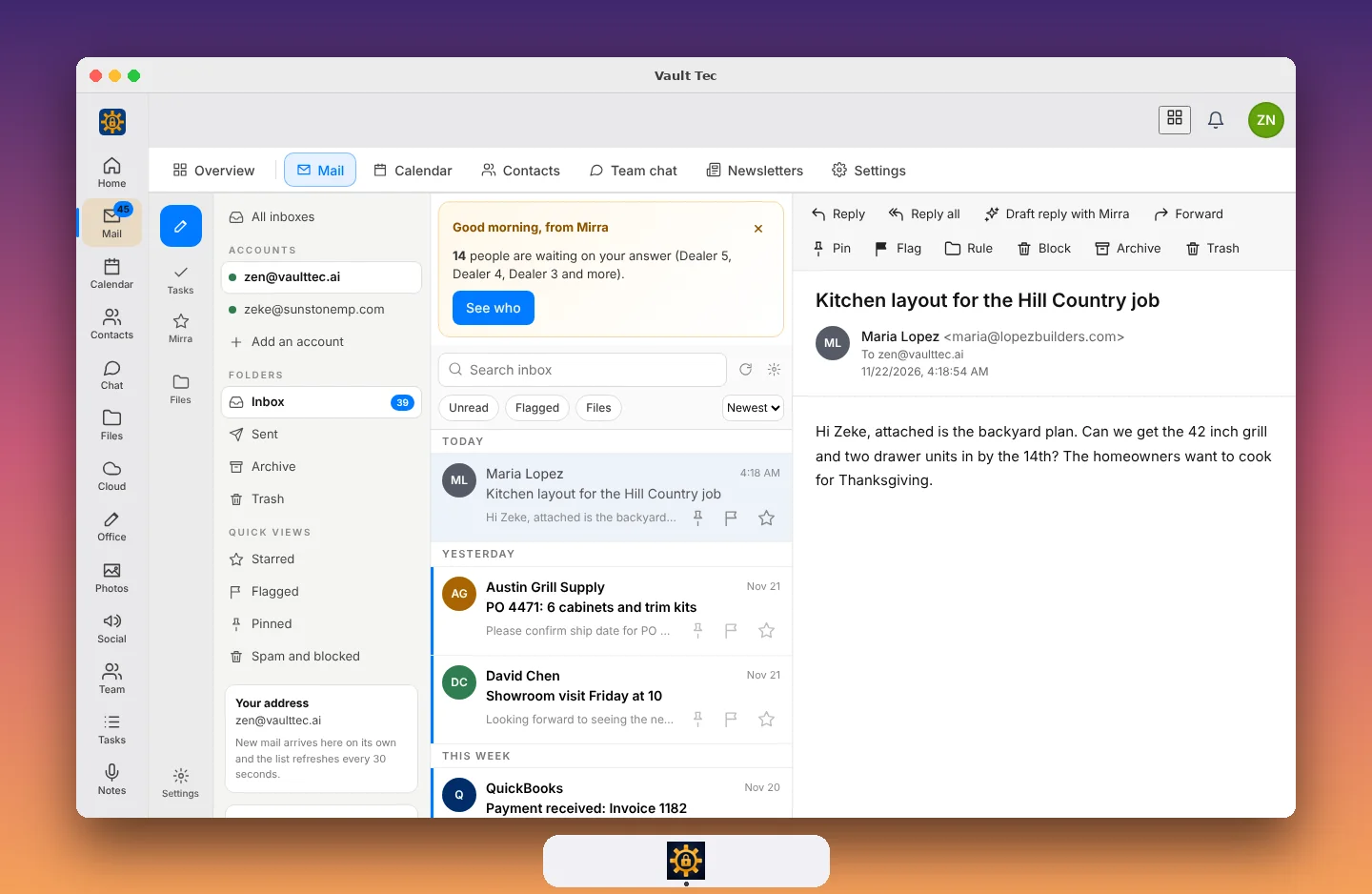
Mail, calendar, contacts, chat, documents, PDFs, photos, notes and your files, in one window on Windows, Mac and Linux. A Vaultbase folder on your computer stays in step with your vault, and Mirra, your virtual assistant, works in every app.
How it stays in step
Your computer and your vault, always the same
Install the app and sign in once. A Vaultbase folder appears on your computer, and everything in it is kept in step with your cloud vault, your phone and every other computer you sign in on.
Your whole drive, without filling your disk
A Vaultbase folder in your computer's files
The app adds a Vaultbase folder to your computer, with its own place in File Explorer on Windows, like Dropbox. Every folder and file in your vault shows there right away, kept in the cloud. You choose what to keep on the computer.
Everything shows, nothing fills up
New computers start with every file and folder online only. They show as small placeholder files that take almost no space, and download when you open one.
Keep what you need on the computer
In the app's Files view, right-click any file or a whole folder and choose Keep on this computer. It downloads, stays in step and works offline. Choose Online only to free the space again.
Made for big drives
A 2 TB team drive on a laptop with a small disk is fine: only what you keep local takes room. Team leaders can set team folders every computer keeps.
What you get
A real desktop app, not just a sync icon
Every app, one window
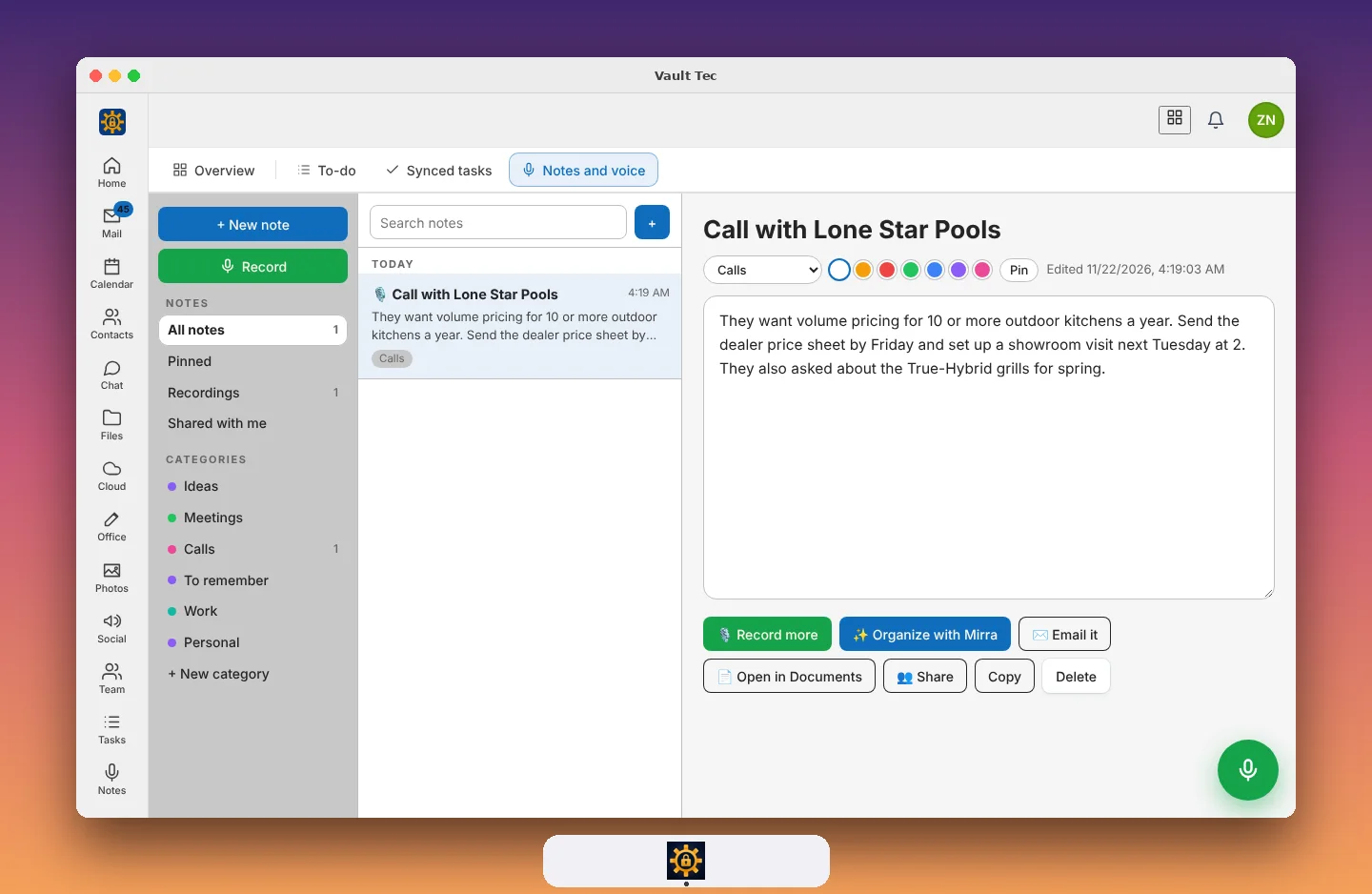
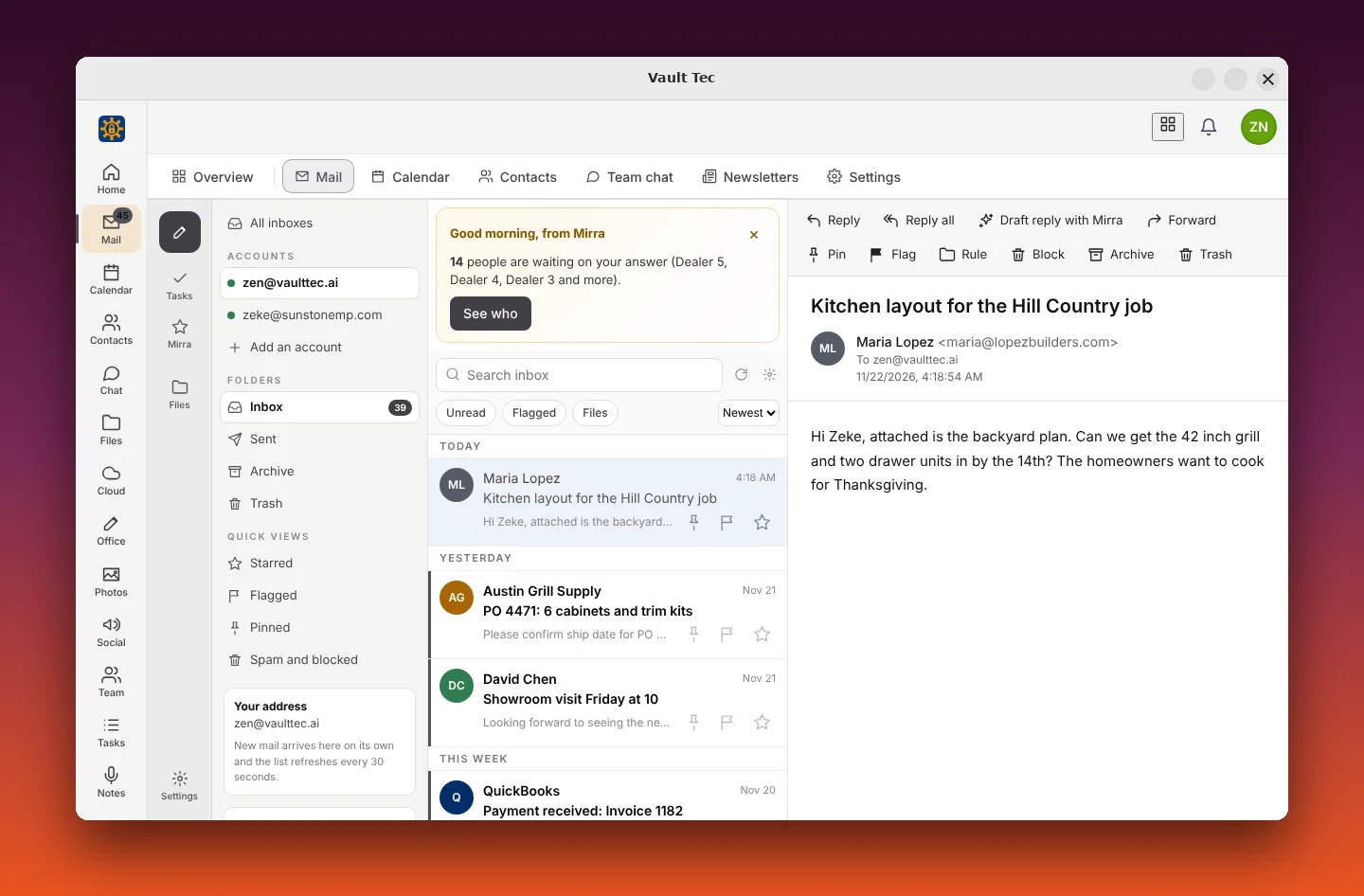
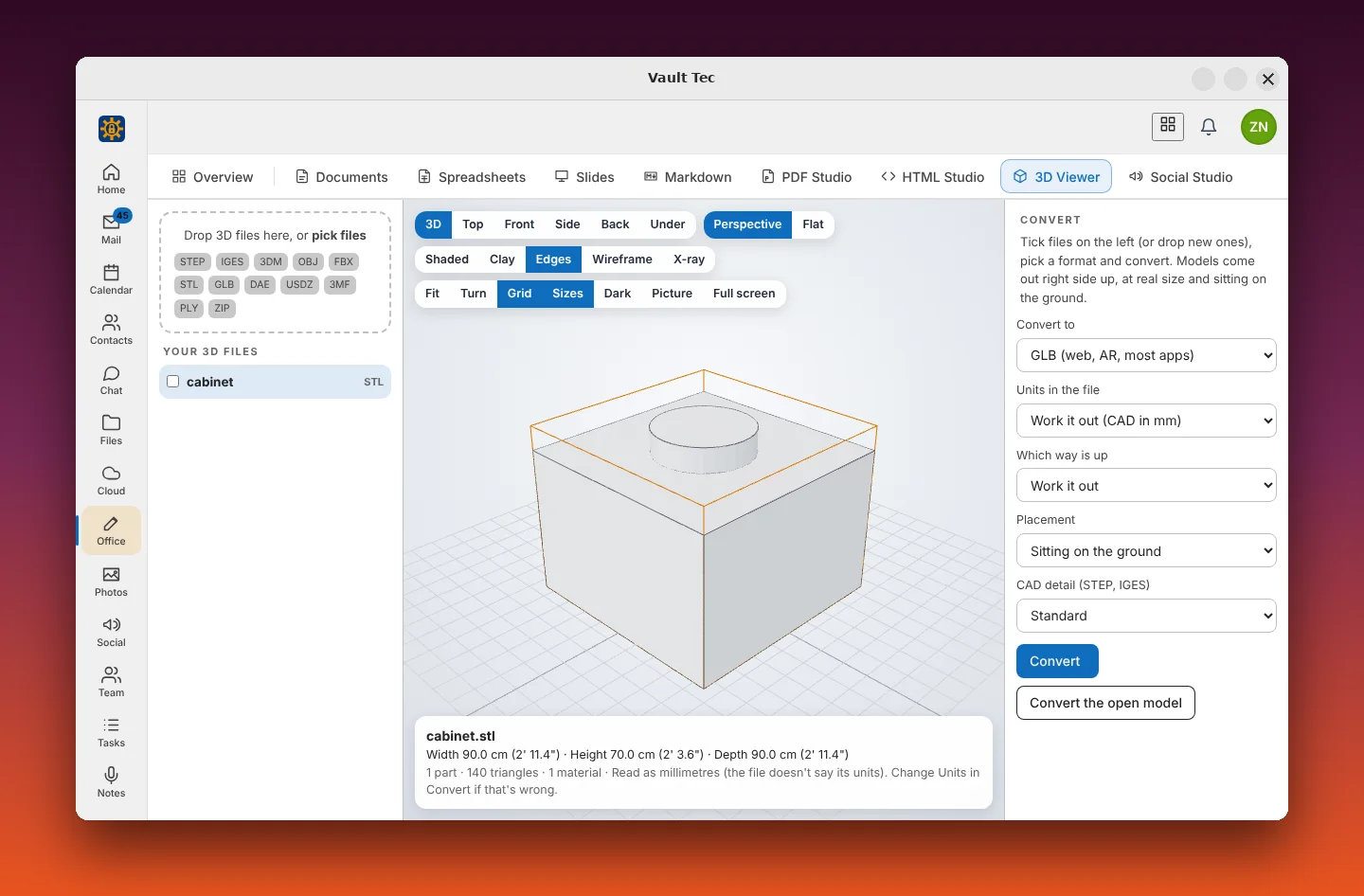
Home, Mail, Calendar, Contacts, Chat, Files, Cloud, Office, Photos, Team and Tasks down the side, like Outlook. Each app stays open, so switching is instant.
Sync both ways
Add, change, rename or delete a file in the Vaultbase folder and your vault changes too, and the other way round.
Online only by default
Your whole vault shows on the computer without filling the disk. Open a file and it comes down and stays. Works on Windows, Mac and Linux.
Right in your file manager
Vaultbase has its own place in File Explorer on Windows and a bookmark on Linux. On a Mac, Finder tags show what's synced, online only or syncing.
Mail that opens at once
Every email from every account is kept on your computer, so lists and messages open straight away, even on a slow connection.
Big files, whole folders
Drag in whole folders from your desktop. Big files go up in parts, so a dropped connection doesn't start them over.
Team folders
Team leaders choose which team folders every computer keeps, and each person chooses the rest.
Mirra on your desktop
Ask Mirra to answer email, write a document, fill a spreadsheet or tidy your photos, in the app you have open.
Tray and reminders
A tray icon shows sync status, and reminders and new mail come up as desktop notifications.
Compare
Vaultbase, Dropbox and Google Drive
Dropbox and Google Drive are great at keeping files in sync. Vaultbase keeps your files in sync too, and puts your mail, calendar, documents and a virtual assistant in the same desktop app.
| Vaultbase | Dropbox | Google Drive | |
|---|---|---|---|
| Desktop app for Windows and Mac | Yes | Yes | Yes |
| Desktop app for Linux | Yes | Yes (Ubuntu and Fedora) | No official app |
| Online-only files on Linux | Yes | No (selective sync instead) | No Linux app |
| Email, calendar and contacts in the desktop app | Yes | No | No (Gmail in the browser) |
| Documents, spreadsheets and slides in the desktop app | Yes | No (opens your other programs) | No (Google Docs in the browser) |
| PDF editing, photo editing and notes in the same app | Yes | Some, in separate tools | No |
| Team news feed, groups and team chat | Yes | No | No |
| Virtual assistant in every app, that asks before acting | Yes, Mirra | Separate add-on features | Gemini, on Google's paid plans |
| Free storage | 10 GB | 2 GB | 15 GB (shared with Gmail and Photos) |
| Paid plans | Personal: 100 GB for $12 a month; Pro: 1 TB for a team of 10 for $49 a month | Plus: 2 TB for $9.99 a month | 2 TB for $9.99 a month |
Checked November 2026 from Dropbox's and Google's own pages: Dropbox on Linux, online-only files on Linux, Dropbox plans, Drive for desktop requirements, Google One plans. Prices are US list prices billed yearly and can change.
Download
Get it for your computer
Create a free account, then download the app for your computer from Account, Desktop, phone and tablet apps. It updates itself.
Questions
Good to know
Do I need the desktop app?
No. Every Vaultbase app works in your browser and in the phone and tablet apps. The desktop app adds the Vaultbase folder on your computer, online-only files, mail that opens at once and desktop notifications.
What happens to a file I delete on my computer?
It's deleted from your vault too, the same as deleting it in Files. Online-only files take no space until you open them.
Can I choose what's kept on each computer?
Yes. Everything starts online only, so your whole drive shows without taking up space. In the app's Files view, right-click a file or a whole folder and choose Keep on this computer, or Online only to free the space again. You can also make Keep everything on this computer the default in the app's Sync settings. Team leaders can make sure team folders are on every computer in the team.
Does it work offline?
Files kept on your computer open without a connection, and your mail lists open from the copy on your computer. Changes go up when you're back online.
Your office, on your desktop
Create a free account and get the Vaultbase desktop app for Windows, Mac or Linux.