Company teams
An in-office network
for your whole team.
Everyone at your company gets their vault, their email address and the team's news, calendar, to-dos, chat and shared files. Teams come with the Pro and Business plans.
See Pro and Business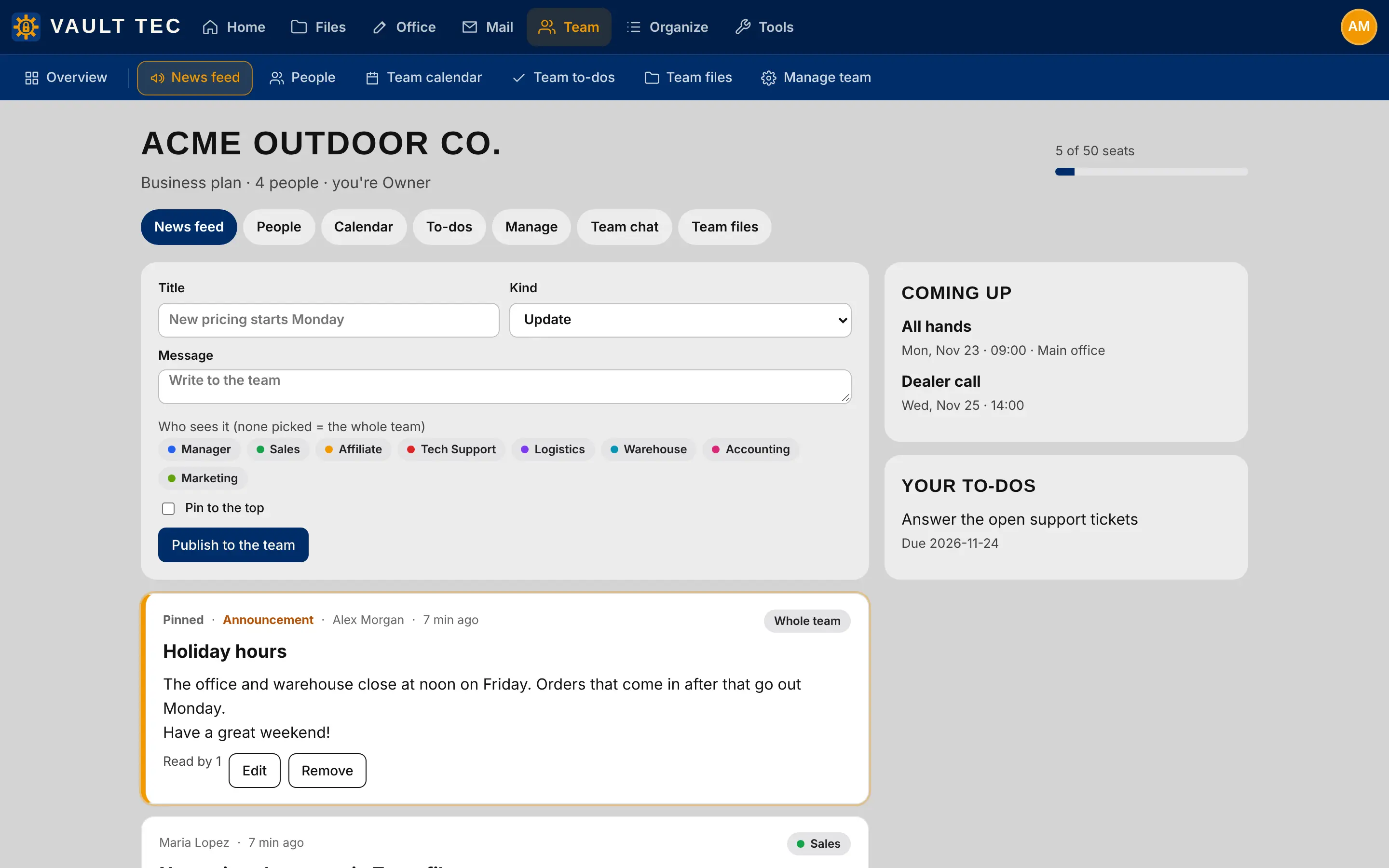
Roles
Who can do what
Click a role to see what it can do.
Team admin
Sees every employee, invites team leaders, sets roles and groups, and manages the plan.
Team leader
Invites people into their groups, sets up their email, and shares news, events, to-dos and folders.
Member
Reads the feed, sees the shared calendar, ticks off their to-dos and works in the team's folders.
| Can | Admin | Leader | Member |
|---|---|---|---|
| See every person, with their sign-in email | Yes | No | No |
| Invite admins and team leaders | Yes | No | No |
| Invite people into a group | Yes | Own groups | No |
| Set up a vault email address for someone | Yes | Own groups | No |
| Publish to the news feed | Yes | Yes | No |
| Share events and hand out to-dos | Yes | Own groups | No |
| Choose which groups see a team folder | Yes | Yes | No |
| Read the feed, see the calendar, use team chat | Yes | Yes | Yes |
| Work in the team folders they may see | Yes | Yes | Yes |
Groups
Your company, by group
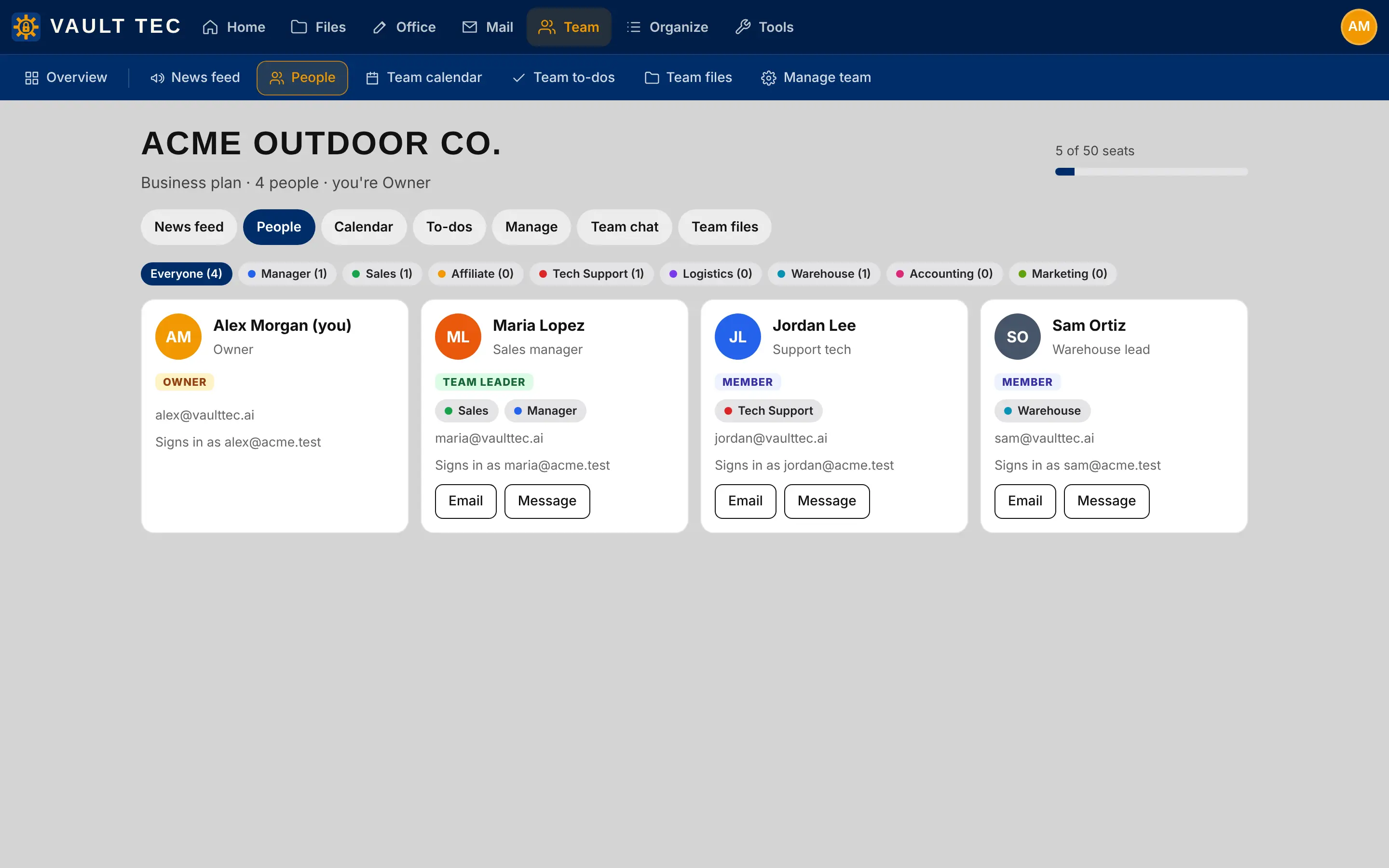
Every team starts with these groups. Rename them, recolor them, remove them or add your own.
- Each group gets its own chat channel.
- Posts, events, to-dos and folders can go to the whole team or chosen groups.
- People can be in more than one group.
Shared work
Calendar, to-dos and files
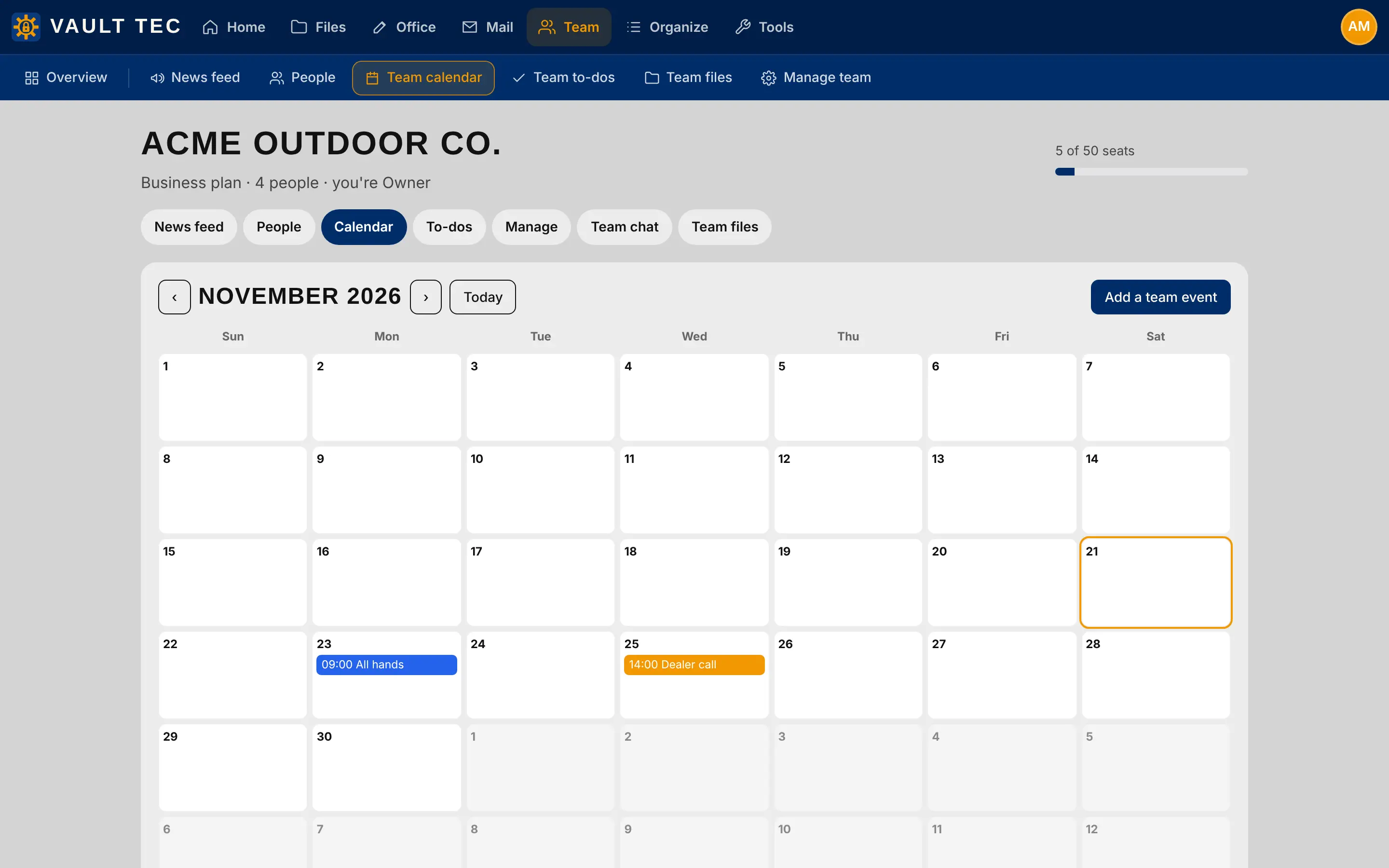
- Team events show in everyone's Mail calendar, for the groups they're shared with.
- To-dos go to one person or a whole group; whoever does it ticks it off.
- Team files: folders for everyone or only some groups, with storage shared across the team.
- Team chat: a channel for everyone, one per group and direct messages.
Getting started
A team in four steps
Choose Pro or Business
Pro covers up to 10 people, Business up to 50.
Make the team
Name it after your company. You are its admin.
Invite your leaders
Pick their role, groups, job title and vault email address. Send them the link.
Leaders invite their people
Everyone joins with their own sign-in and lands in the right groups.