Photos
Every picture,
right where you want it.
A catalog you build, choosing in a click, people and duplicates found for you, and galleries with music. Then open anything in the image editor.
Open Photos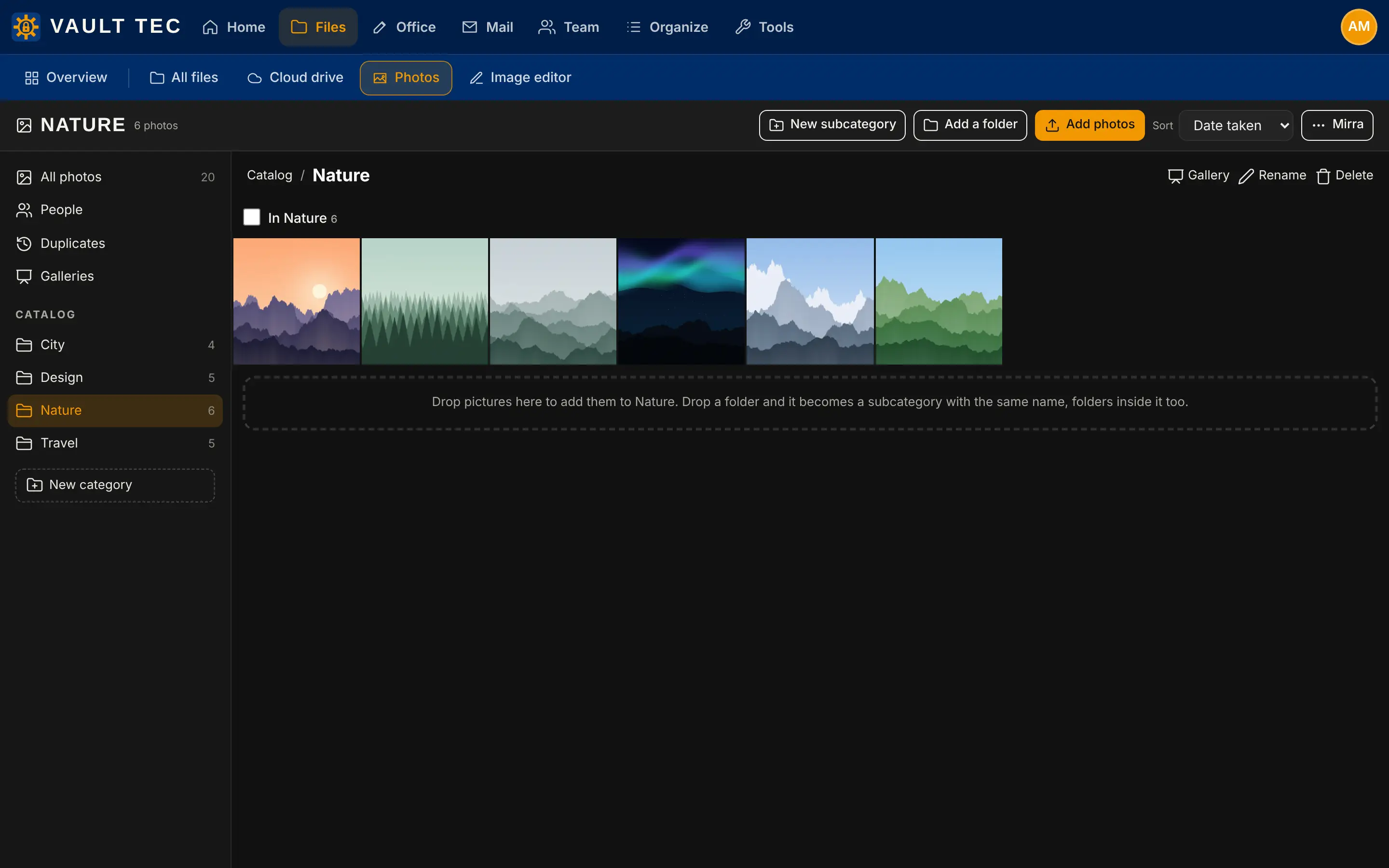
Try it
Tick one, then click the rest
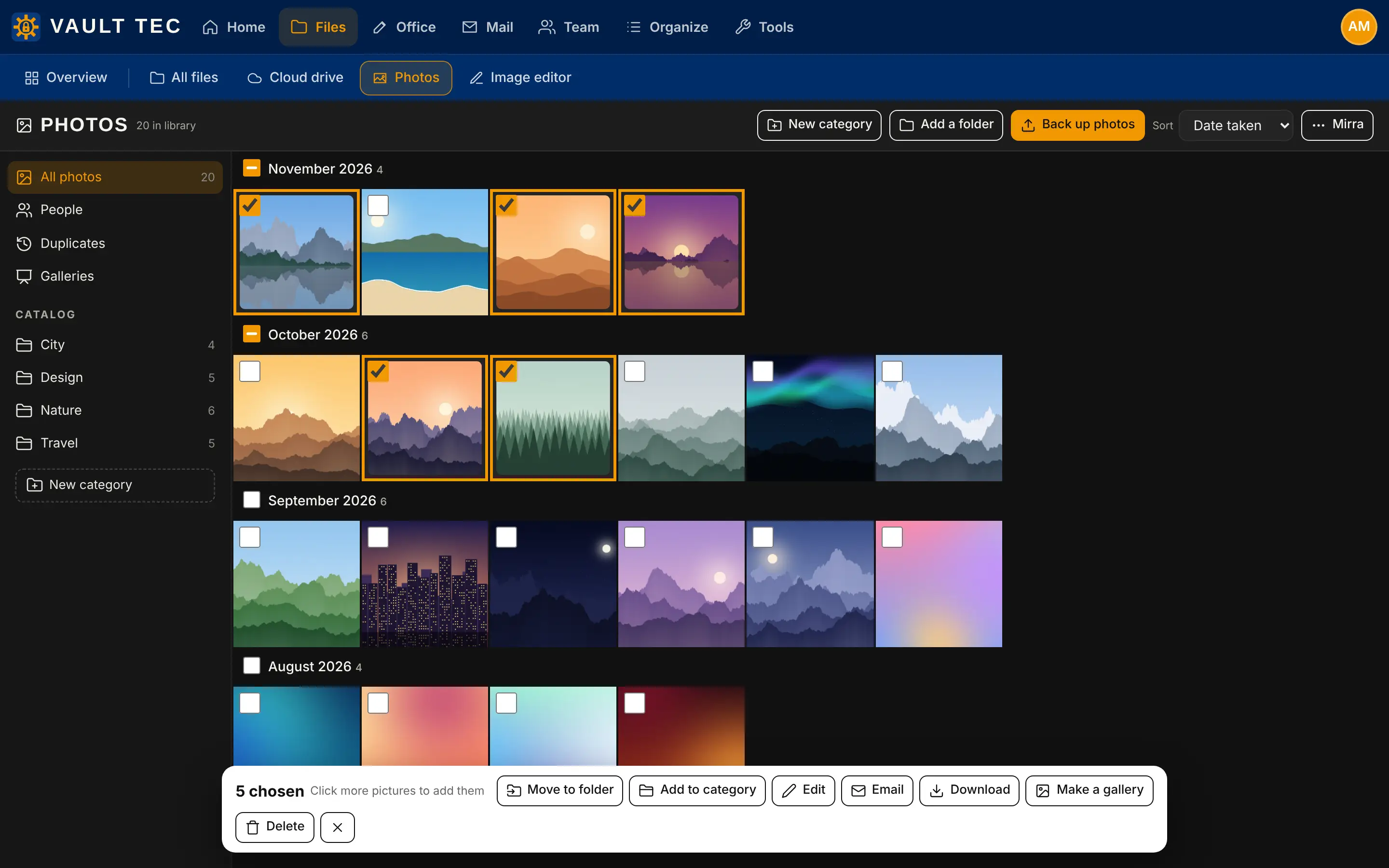
Once one picture is ticked, every other picture is a click to add. The box beside a month ticks the whole month. Try it here:
The catalog
Main categories and subcategories
- Make categories like Travel, Projects or Products, and subcategories inside them.
- Drop a folder of pictures anywhere on the page: it becomes a category with the same name, folders inside it too.
- Every category shows its subcategories as cards with a cover picture.
- Sort by date taken, date added, name or size.
Galleries
Slideshows with music
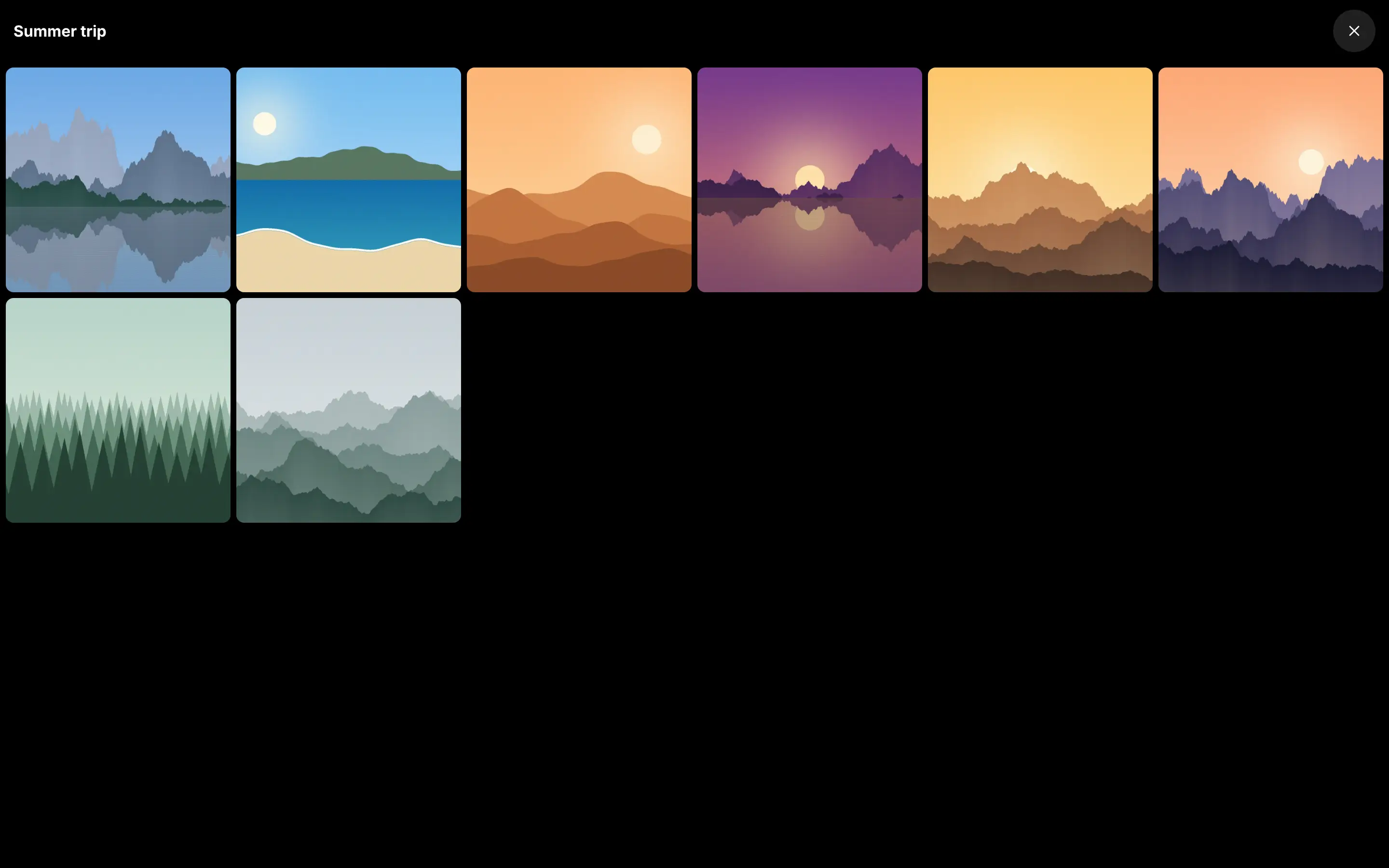
- Pick pictures or a whole category and make a gallery.
- Choose the look: slow zoom, cross fade, slide or an interactive mosaic.
- Music made by the vault (calm, bright, ambient, cinematic) or your own song from the vault.
- Save a gallery as one page you can share, with the pictures and music inside it.
Mirra in Photos
Ask, and it's sorted
Sort everything
"Sort every picture into categories by year and month." Mirra makes the categories and moves the pictures, after you say yes.
Find duplicates
Exact copies and near copies (the same shot saved twice or resized). Mirra ticks every copy but the best one for you to delete.
People
Faces are found on your own device and grouped by person. Name them, open everyone's pictures, or make a category of one person.
Make galleries
"Make a gallery of the Travel pictures with calm music." It plays right away and is saved in Galleries.
Image editor
Open them all in the editor
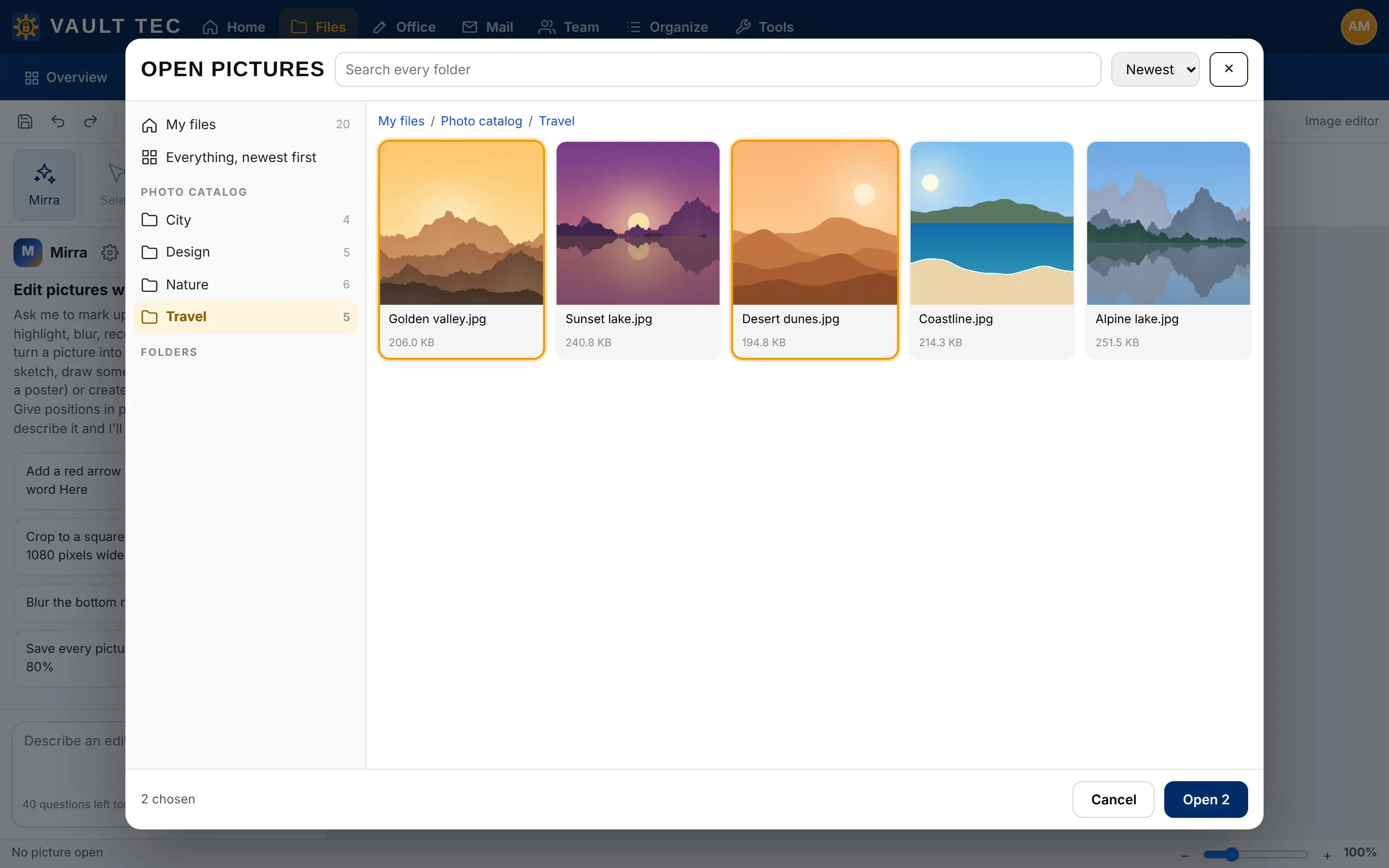
- The vault's picker shows previews and your catalog folders.
- Open many at once; each picture is its own slide.
- Markup, measure, crop, resize, effects and recolor.
- Ask Mirra to paint a picture in red and bronze, turn it into a watercolor, or draw something new.